


Blog

What the heck is going on at Greyscalegorilla? Fair question. Maybe you noticed the Greyscalegorilla Plus branding is gone and you're wondering what that means for your subscription. Maybe someone mentioned Cargo and you have no idea what that is. Maybe you're wondering where Studio went, or why your plugins aren't where they used to be, or what KitBash has to do with any of this.
A lot changed in a short amount of time and we haven't done a great job explaining it. Here's the full picture.
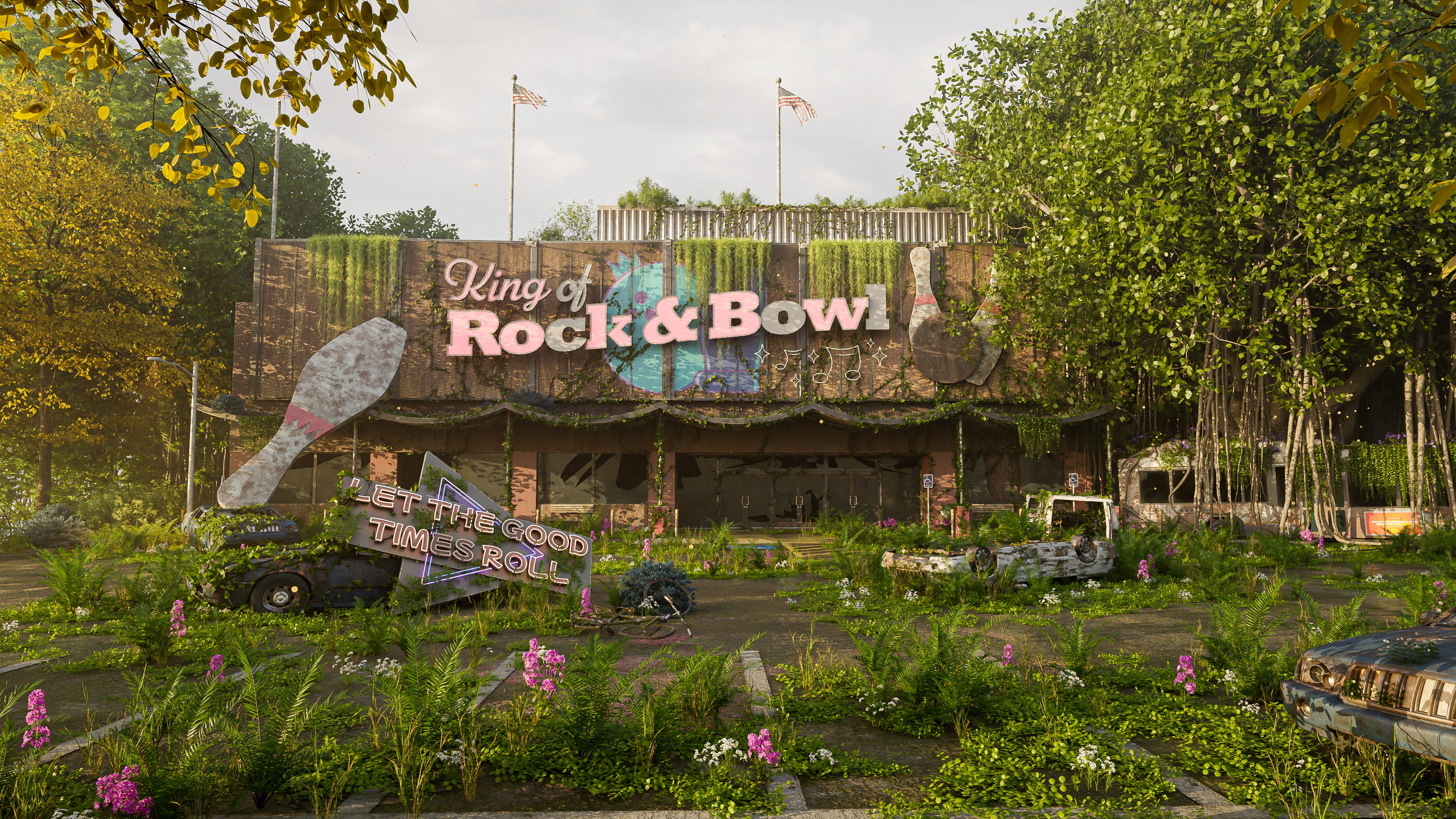
What happens when nature wins? It’s time to find out in the Reclaimed Challenge.
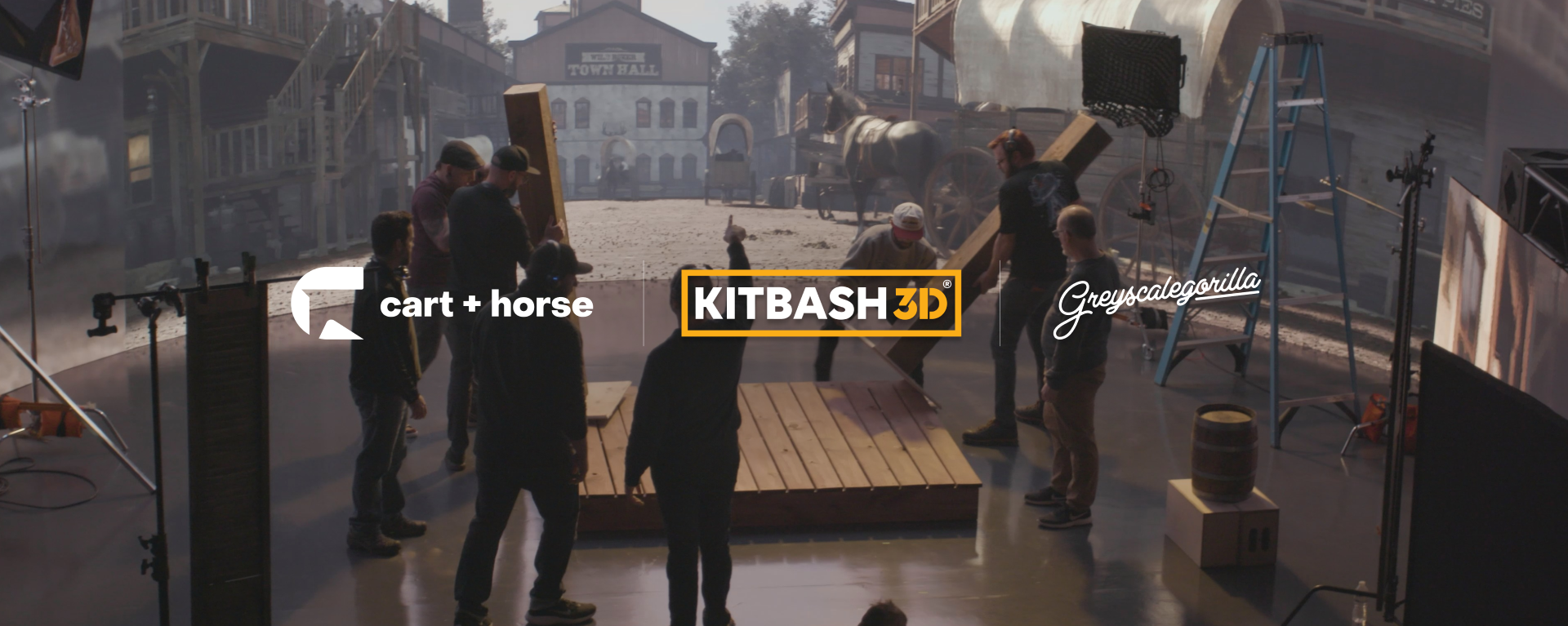
Detroit-based studio Cart + Horse is redefining the boundaries of independent filmmaking by swapping traditional green screens for massive LED volumes and real-time environments. Founded by Dan Maurer and Kris Bargen, the studio leverages their background in traditional 3D and video production to “fix it in pre,” refining entire environments before cameras ever roll.

Latest Tutorials
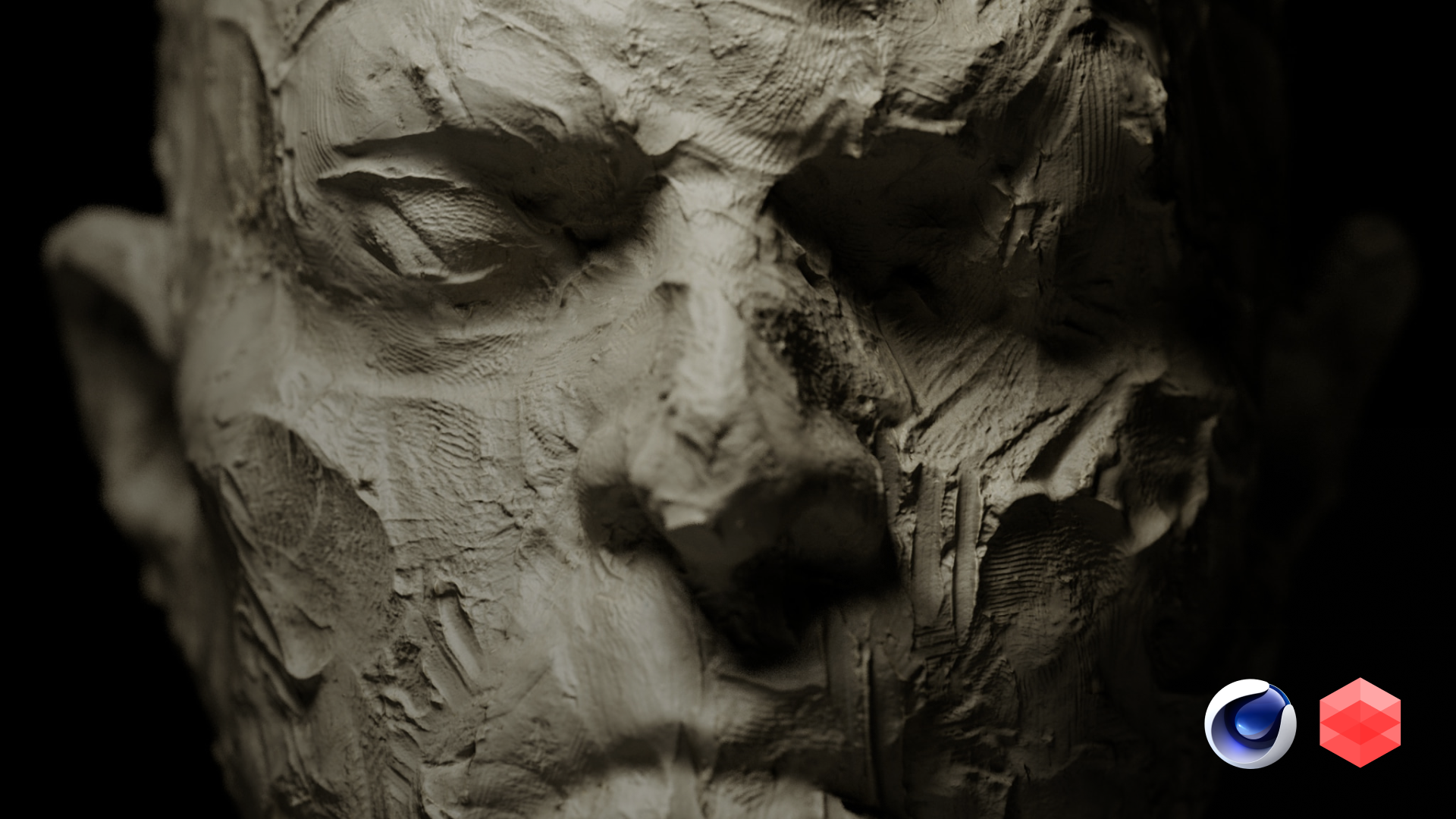
Create tactile, hand-sculpted clay bust renders in Cinema 4D in minutes, not hours, using Redshift and Greyscalegorilla Studio. Fast, artistic workflows. Real materials.

Learn how to maximize your Redshift workflow in Cinema 4D by using a full-screen IPR window. Discover layout tips, denoising tricks, and rendering settings to help you see your materials and lighting more accurately using Greyscalegorilla tools.

How to get ultra-real results with 3D models and glass materials from the Greyscalegorilla Studio app.
Latest Case Studies
Detroit-based studio Cart + Horse is redefining the boundaries of independent filmmaking by swapping traditional green screens for massive LED volumes and real-time environments. Founded by Dan Maurer and Kris Bargen, the studio leverages their background in traditional 3D and video production to “fix it in pre,” refining entire environments before cameras ever roll.

Vinik Sports Group is redefining the sports entertainment landscape. Delve into how the Tampa Bay Lightning utilize Greyscalegorilla Teams to elevate their game presentations, from jaw-dropping 3D animations to captivating real-time graphics.

The Golden Knights use Greyscalegorilla Teams to create thrilling in-arena content that stands out from the spectacle of Las Vegas.
Latest Artist Spotlights


From teaching at Apple to founding a boutique VFX studio, Mario shares his
"realism-first" roadmap for crafting high-end, human-centric VFX.
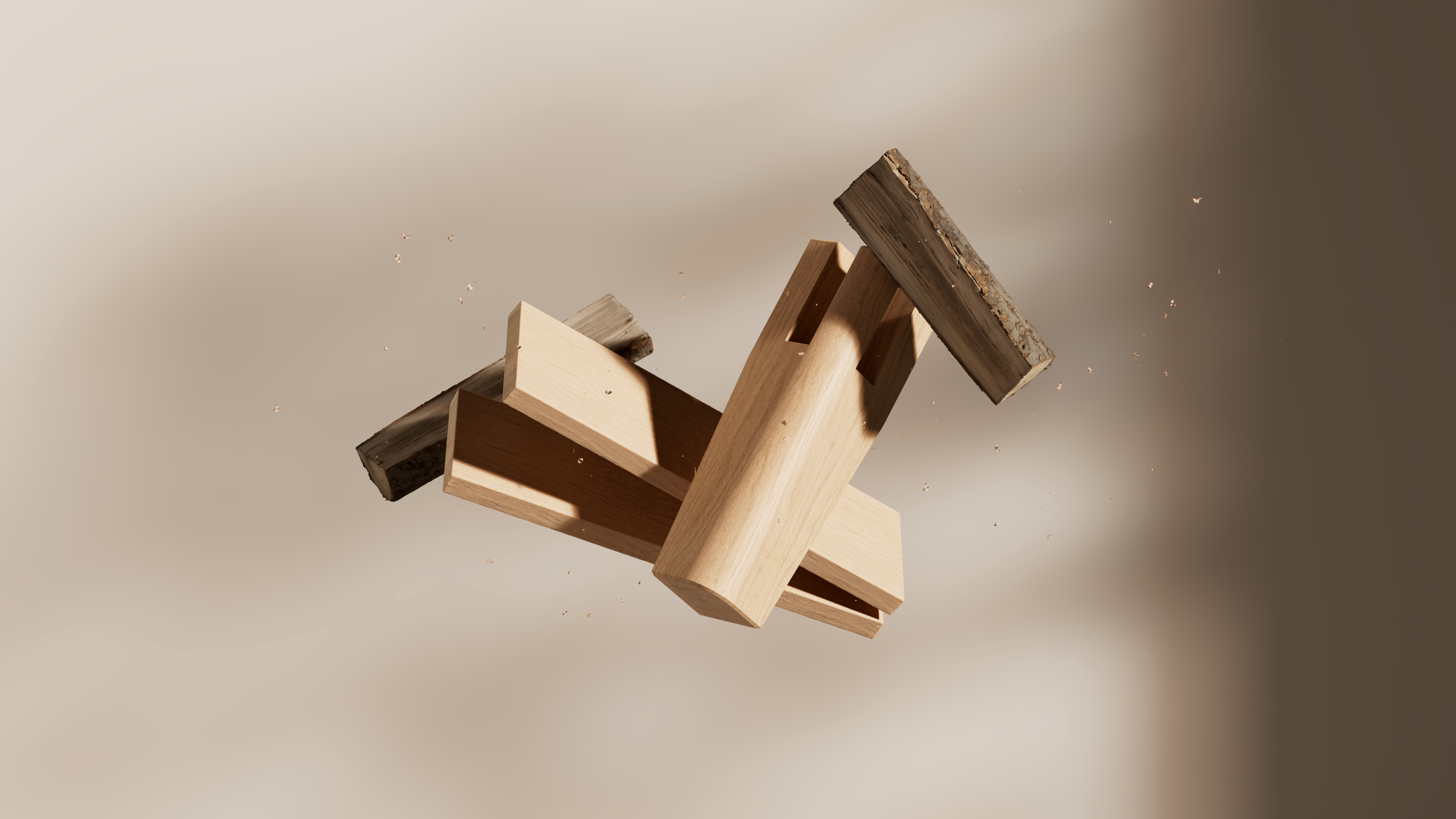
From looping shots to client work with Apple, Jonathan shares how motion, rhythm, and personal projects keep him moving.