Tiny Animations Collection Week 1

Visit the Tiny Animations Page

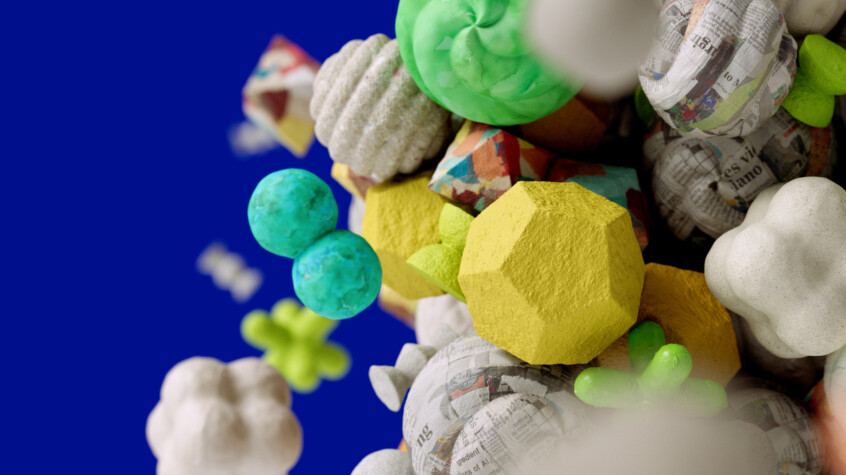
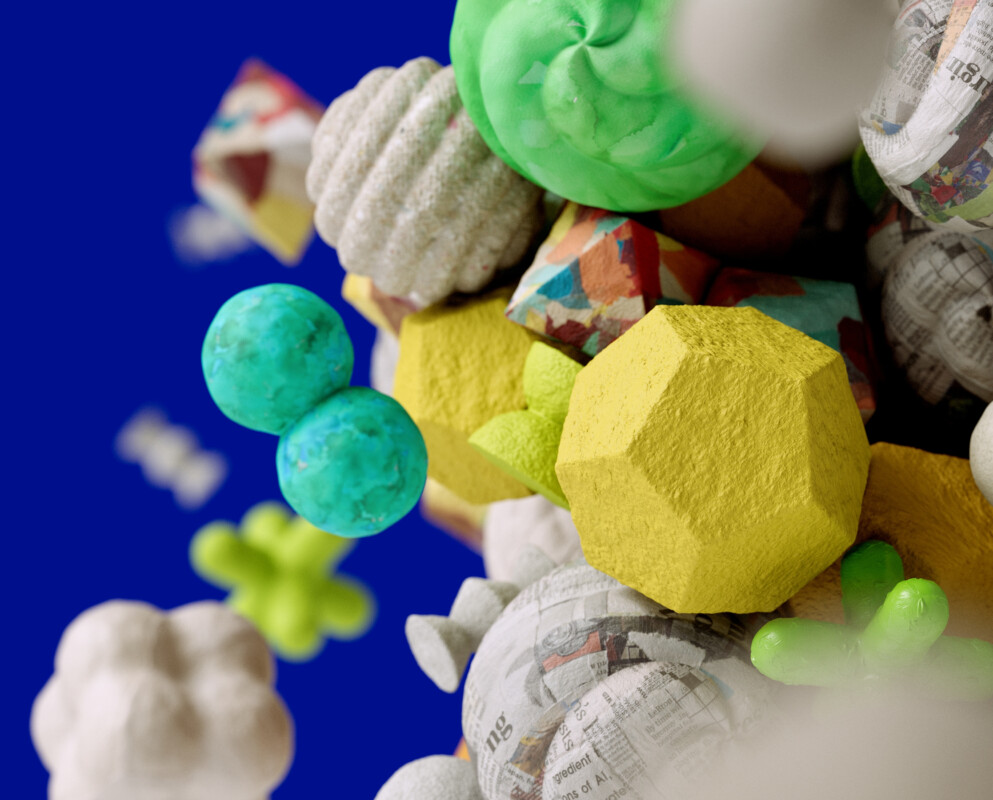
Yep, I have been making so many of these GIFs, I started a page to collect them all. Sure, this obsession with Animated GIFs might be a bit silly, but It get’s me playing with Cinema 4D and AE in a more simple way and it gives me an excuse to make animation without all the overhead and render time. Not sure what it is quite yet, but something “Clicked” in my head while playing with this new format. More to come.

Posted in Cinema 4D | 44 Comments

Cinema 4D and AE Animated GIF Tests

Chuck Anderson posted this site called DVDP in his twitter feed and I have been obsessed with it all weekend. I have been learning how to make things loop properly in Cinema 4D and how to make Animated GIFs using Photoshop. It’s been pretty fun.

I love the short turnaround time for something like this. Not a huge project or big render times. Just a way to try something fun and make it cool with as few frames as possible. I hope to do more soon.

Watch OrangeCubes GIF

Watch Puffy Sphere GIF

Posted in Cinema 4D, Motion Design | 55 Comments

Cinema 4D Holiday Tutorial Round-Up

Happy Holidays everyone. Things have been slow around the Greyscalegorilla office lately. Like many, we are preparing for holidays and enjoying friends and family. I hope you are doing the same. But, I figured I would put this list of holiday related tutorials and downloads together for when you just need a break from all the food, family and holiday action.

Happy Holidays from Greyscalegorilla!
Keep learning and having fun!

Holiday Tutorials

How To Make a Candy Cane Text Animation In Cinema 4D

Free Cinema Models: Holiday Pack

How to make Snow in C4D

Make a Black Friday Door Buster Ad using Cinema 4D and After Effects

How to Create Christmas Tree With Cinema 4D

Use Bodypaint and Cinema 4D To Make A Unique Snowflake Texture

Create a Christmas Tree with Xpresso

Magic Snow Plugin

Posted in Cinema 4D, Tutorials, Video | 21 Comments

How to Make An Animated Title Sequence in Cinema 4D and After Effects

Vimeo asked me to do a tutorial for their excellent Vimeo School series and I said “heck yes!” It’s all about how to make a fun animated title using Cinema 4D and After Effects. In Lesson 1, we build the logo from a vector file and prepare it for render. In part 2, we composite it in After Effects using the built in Tracking Software, lens blur and color correction. Follow along over at Vimeo School or watch it below.

Lesson 1 (Cinema 4D)

Lesson 2 (After Effects)

Posted in After Effects, Cinema 4D, Tutorials, Video | 96 Comments

Use Bodypaint and Cinema 4D To Make A Unique Snowflake Texture

Happy Holidays! In this short video, Chris (while wearing a Santa hat) shows you how to make a unique snowflake texture using Bodypaint.

Posted in Chris Schmidt, Cinema 4D, Tutorials, Video | 35 Comments

My Favorite After Effects Plugins From Red Giant

Here is a list of some of some of my favorite software from Red Giant and how I use it in my work.

Trapcode Suite 11

It’s everything Trapcode. If you work in After Effects, it’s the first plugin set you should get. The developer is also a pinball fan and a great guy. So, there is that, too.
Learn More About Trapcode Suite

Trapcode Particular

If you can’t get entire Trapcode Suite, then get this one. It’s my most used Trapcode Plugin. I used it for the snow from yesterday’s tutorial and used in many of my After Effects presets.
Learn More about Particular

Vintage Film for Looks

I made this one. It’s a collection of Vintage Film looks for use with AE,Photoshop and more. I’m pretty proud of it. (Requires Red Giant’s Looks)
Learn More About Vintage Film for Looks

Guru Suite

Of course I would be honored if you got my Vintage Film for looks, but there is also a Guru suite that includes my pack and packs from artists like Nando Costa, Harry Frank, and Stu Maschwitz that you should take a look at. It includes hundreds of templates, presets, and scenes from real motion designers and artists.
Learn More About Guru Suite

Also, check out my post from last year with more examples and videos.

Posted in After Effects, Motion Design | 7 Comments

Cinema 4D to After Effects Tutorial: Plasma TV


In this tutorial, I will show you how to prepare a cinema 4D scene file for export to After Effects. First, we will model, light and animate a simple flat-screen TV. Then, we will export the scene to After Effects where we will use Trapcode Particular to add snow and use the camera data from C4D to add the screen on the TV and text on the side. You can see the final render below.

Example Render

Posted in After Effects, Cinema 4D, Tutorials, Video | 111 Comments

How To Light Your Scene With A Custom HDRI and Global Illumination


In this tutorial Chris Schmidt shows you how to create a custom HDR material to light your scene by using GI, Layer Shaders, and the often missed illumination setting in materials.

Posted in Chris Schmidt, Cinema 4D, Tutorials, Video | 37 Comments

My Lighting Challenge Render: Lighting and Texturing an iPhone 4S

In this video, I show you how I built my render for the first GSG Lighting Challenge from a couple months ago. First, I show you some of the ways I figured out how to light the scene and then I get into changing some of the textures and dialing it in to get the final look. The goal was to make a pixel perfect render of the intro to this iPhone 4S Video from Apple. There were ton of renders and critique in the comments from some really great artists over the last couple months. Hopefully it was a helpful challenge. I know I learned a lot doing it. I will be looking for an excuse to do another one of these soon.

My Final Render

Posted in Cinema 4D, Light Kit Pro, Tutorials, Video | 37 Comments

Use Sprites to Build A Fast-To-Render Particle System in Cinema 4D

In this tutorial, Chris shows you how to build a particle system using sprites. First, Chris makes simple geometry that is forced to face the camera to create the illusion of a more complex object. Then, he uses particles, Mograph, proximal shader, and layer shader to build a controllable particle system.

Example Render

Posted in Chris Schmidt, Cinema 4D, Tutorials, Video | 34 Comments