


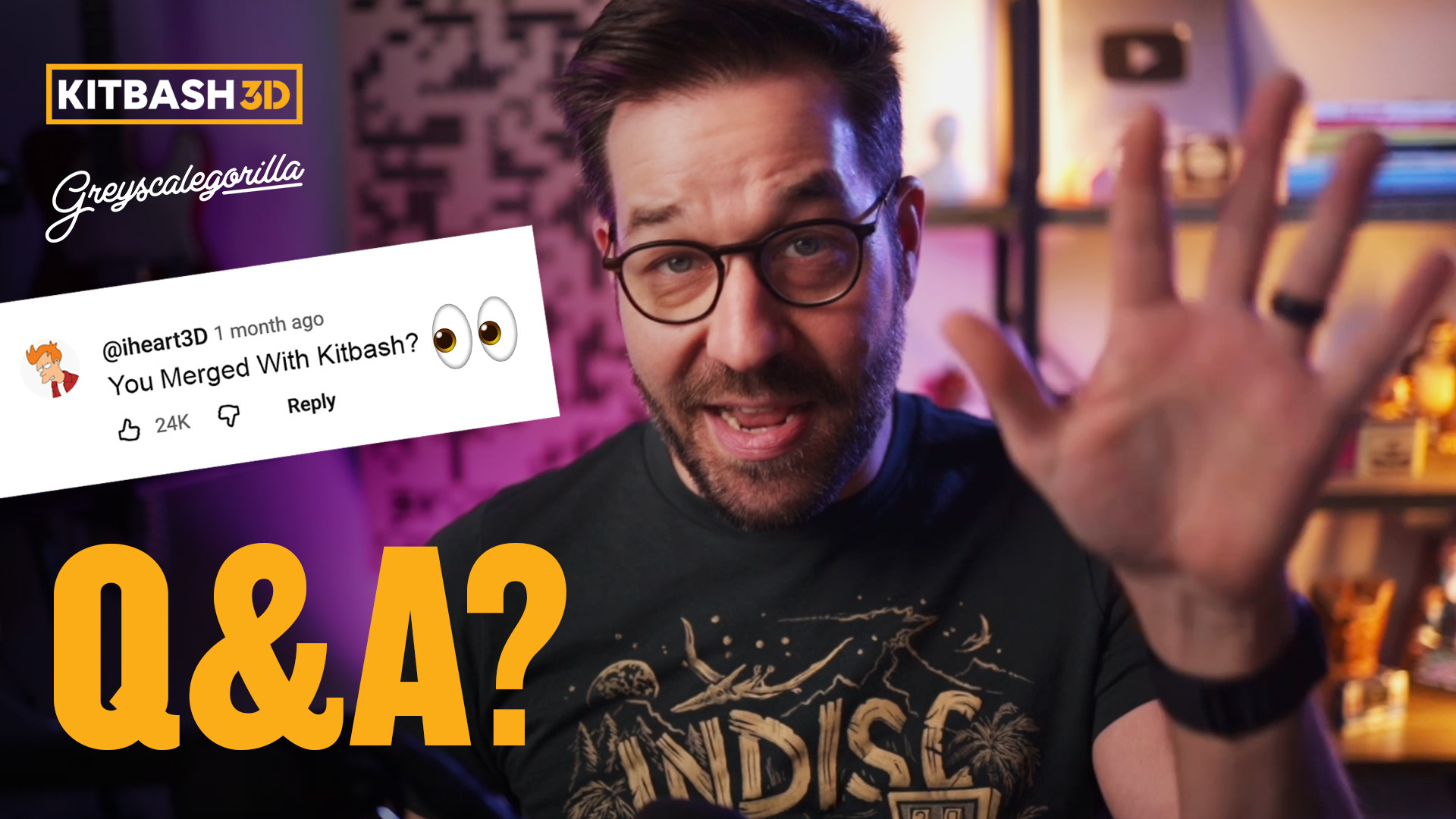
How’s the Merger Going with KitBash3D? A Q&A with Nick Campbell
Whenever big changes happen in the 3D industry, the same questions start popping up.
What tools should I be learning? How do I stay relevant as things shift? Is it worth upgrading my hardware, or just optimizing my scenes better? And lately, one question has come up more than most:
How’s the merger between Greyscalegorilla and KitBash3D actually going?
It’s a great question. Bringing together two of the most widely used libraries in the industry - Greyscalegorilla’s materials, HDRIs, and lighting tools, alongside KitBash3D’s cinematic environments and assets - is a big move. Naturally, our communities want to know what it means for their workflows, their tools, and the future of the platform.
So we got Greyscalegorilla founder Nick Campbell to talk about it.
In this short Q&A, Nick shares his perspective on how the merger is shaping up, how artists can stay relevant as the industry evolves, a list of his favorite tools in C4D, and the practical decisions every 3D artist faces when it comes to their hardware.
We also asked a question longtime Greyscalegorilla fans ask all the time: Is Nick still using his PC?
Let’s get into it.
What can I do as a 3D artist to stay relevant as the industry shifts?
There is a lot happening in the 3D industry. But to be truthful, there's always a lot happening. In this industry, this is an industry at the forefront of technology and is always moving forward, is always changing.
We've gone through so many of these already, whether it's third-party rendering, new tools showing up on the scene, and of course, now today, with all this AI talk, what can you do as an artist to really stay relevant, no matter what happens in the future?
I think it boils down to one thing: focus on the things that don't change. Things like design, typography, creative direction, and learning how to tell a story. Learning how to build a team, how to work with a team, how to lead a team, creative communication. Being able to talk to other artists about a vision or the client's vision to steer people in the right direction.
Those bigger things that don't change, no matter what happens to the software, will always be relevant. No matter where we end up, there's always gonna be a creative human who decides if it's done, if this is what the client wants, if this is what you want as an artist. Focus on those things that don't change and try not to get too worried about specific tools on how you do your final work.
Are you still using your PC?
Yes. You may have seen some videos from a while back where I finally got a Windows machine, when third-party rendering was really taking off, and using Redshift. It has been such a game-changer. I still use my Puget machine quite a lot; however, I've been messing around with different ways to use it.
So let me run you through this. As of today, I'm sitting next to a Mac studio and I do all my look dev, I do all my email and all my worky work on this Mac, and there are quite a few times I go to my PC to use it.
One example is using Unreal. It works on Mac, it's really not too bad, but there are just some features and settings that work way better on a Windows machine. So I use Parsec, which is a piece of software that lets me kind of tunnel into my PC, use my little setup here with my Mac in my quiet room, and then still utilize the PC that's over in a closet, where it could be loud and it can make a bunch of heat. So that's my main way of using it day to day if I'm directly in Unreal.
The second one is a render node in a team render farm for Cinema 4D and Redshift. So if I'm playing around with a new tool or I'm experimenting with something and I want to render it quickly, I have a kind of a mini render farm over there, including the Puget PC with two 3090s in it.
That is probably one of the faster nodes over there on the render farm. I've been meaning to do a video on the render farm. It's a mix of Macs and PCs and old machines and a couple of new ones over in a closet. Lemme know if that's interesting and we'll cover it in a video coming up soon.
How is the merger going and what can I expect moving forward?
First of all, if you haven't heard, Greyscalegorilla and KitBash3D have come together to create a new company. We merged last year.
We have some really fun stuff we've been working on, so stay tuned in the coming weeks and months because we'll be announcing some stuff pretty quickly here to show you what we've been working on. In the meantime, as a customer, if you're happy with your current membership, you're in a project, and you're worried about what's happening in the future, don't worry.
Everything will renew if your renewals are coming up, and you'll have access to all the tools that you've been used to, as we kinda show you some of the new stuff going forward. And as a merger in general, which honestly can be very scary. We've heard so many different stories in the industry about how these mergers can go pretty poorly for not only the companies but also for the artists using some of these tools. But honestly, it’s been really grat. I've personally known the KitBash3D team for quite a few years and have always known that we share a really similar vision to help artists create virtual worlds and be able to do it quickly, without sacrificing the quality.
So we've been aligned in a similar mission for many years. We've been peers and buddies behind the scenes. And now that we're all together in one place, the two brands and the two companies have come together to create some tools to enable you guys to get more done. Same as what we've always done. But now we get to do it on a bigger scale and to really bring some pretty big ideas out to the forefront.
I know I'm being a bit vague about the products here, and that's just because we're not ready to announce it quite yet. But stay tuned; we're really excited to show you guys.
Should I optimize my scenes or get more render power?
Great question. Something we all bump into. Should we spend all this time optimizing, or just spend the money and brute-force it with more machines?
I think, unfortunately, the answer to this one is there's always a little bit of both. Without knowing your specific details, I'd say it breaks down like this: If you can get away with way less setting, let's call it render samples, right? Whatever renderer you're using, you could do a couple of tests, and you can see that you can cut your render time in half just by reducing some numbers, doing a couple of little experiments, and seeing if your client, your peers, or even you can tell the difference between a drastically different render setting. That would be incredible, right?
If you could just cut your renter time in half with an hour or two of playing, what an incredible way to do this that's practically free. You obviously have to factor in your time as an artist. But these are things you should be playing with and optimizing all the time.
Before we talk about hardware, if you have not tried the denoisers that have been shipping with a lot of the latest renderers, I would recommend that you do so. They didn't impress me at first. And I think a lot of them are really good right now.
I've been using Redshift with O Optics. I'm on a Mac and a PC, so I have to make sure that I use a denoisers that works and doesn't require an NVIDIA card because I have renter farm and all that stuff I talked about earlier. But I am really impressed by the quality of these denoisers and the algorithm to save render time, at least double, maybe even four or five times. If you're rendering specific things like glass and subsurface scattering, which are still not really fixed by these denoisers, but if you haven't played with it, make sure you go check it out, because it's much better than it has been in the past.
Alright, so now let's finally talk about hardware. Should you just buy the hardware? This is always a trade-off. And obviously, this costs the most amount of money, but if this is what you're doing for a living, for a job, especially if you're working at a company, make sure you have the gear that you need to hit your deadline to make changes last minute, and not be in a PO position where you can get kind of screwed.
There are things like Octane's OTOY Render Network that work with Octane and Redshift. If you haven't tried it, it's an incredible piece of technology. There's also traditional render farms if you're really in a pinch or you're stuck, but obviously, you want to have the hardware around you to be able to make changes, to be able to experiment on the weekend, and not have to have a big rendering cost.
So there's always a balance between the two and you don't always need the brand-new gear.
What is your most used tool in Cinema 4D?
You know me, I could talk about Cinema 4D all day, so thanks for the question. I'd break this down into two categories, depending on what you're asking me. One is the default Cinema 4D tools, and then I'll go over some of my favorite Greyscalegorilla tools.
So obviously MoGraph, Cloners, all the fields and effectors, Dynamics, Redshift has been a big game changer, Octane. I'd say those are the kind of core pieces that I've used day to day.
For Greyscalegorilla tools. I rely on so many of them over the years that it'd be tough to not have them. So obviously, Signal if I'm animating, it's in practically every scene. HDRI Link is by default in my scene because I can just click one thumbnail and get drastically different lighting. And if you haven't checked them out, we have a set of 30 Cinema 4D scripts that we created less than a year ago. There are two of those that I use almost every day. One is called Simple Merge, which allows me to take the things that I use all the time, little lighting rigs or even models, or my favorite cyc, and be able to click two buttons and have it instantly show up in my scene exactly the way that I want it. It's customizable for me, which means it's also customizable for you.
And then the other one of those scripts that I use every day is called Iterate and Render. This one saves my current scene file. And it also puts it in the team render queue, allowing me to stack my render farm renders very quickly.
So if I have a little tweak, maybe I wanna see a slightly different animation or just put a different texture on my scene and see what that looks like, with one click, Iterate and Render saves it as a new scene file and iterates the number. It also puts it in the queue and renders it right away because Team Render is just waiting for those frames.
The industry is going to keep changing. Tools will evolve, render engines will get faster, and the "best" way to build a scene will likely look different a year from now.
But as Nick pointed out, the team's goal hasn't shifted: build tools that remove the friction between your idea and the final render.
The team is deep in the lab working on what’s next, and we can’t wait to show you how these two worlds are coming together to help you work faster.