
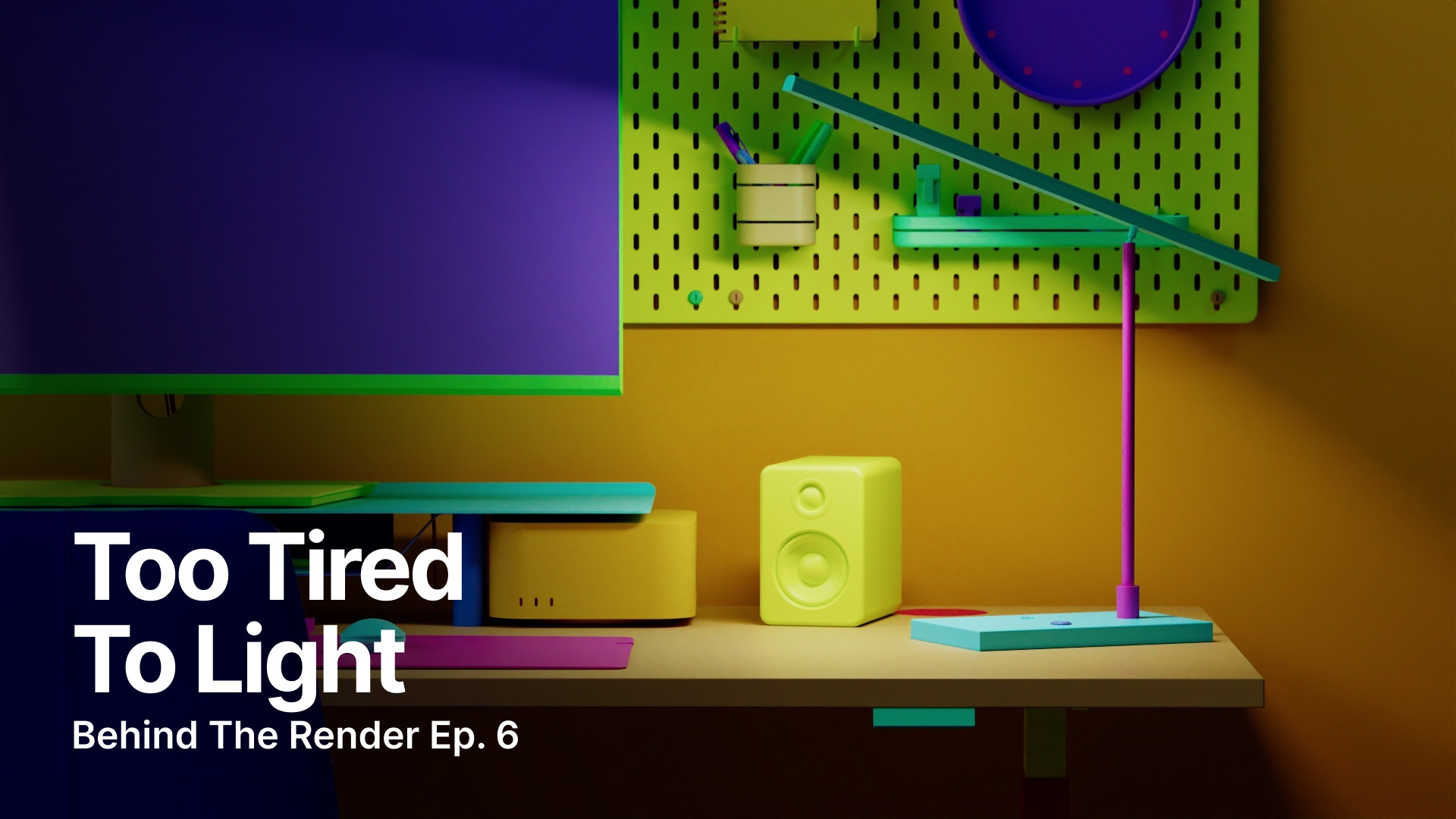
We Tried to Light This Scene While Exhausted
What happens when you’re trying to build a realistic lighting setup in Cinema 4D and your brain is operating at about 40%? In Episode 6 of Behind the Render, Chad and Nick explore practical lighting, new Cargo assets, and the joys of troubleshooting in real time.
Dive into the latest additions to Cargo with Nick and Chad, including the new Paris Kit and Office Desk Models collection. With desks, monitors, lamps, chairs, keyboards, and other desk accessories, Office Desk Models gives Nick and Chad plenty to work with as they build out a scene.
Chad walks through his approach to practical lighting in Cinema 4D and Redshift. Rather than relying on an emissive bulb to light the scene, he uses a dedicated Redshift light to mimic the fixture, controlling its direction, falloff, intensity, and color temperature for a more natural result.
Of course, things don't always go according to plan. A suspected Cinema 4D bug turns out to be “100% user error,” and we get to go along for the troubleshooting journey with them. Because sometimes figuring out what went wrong is just as much a part of the 3D workflow as getting the final render right.
They also dig into balancing warm practical light with cooler room light, adjusting materials, and even stepping back from the screen to reset their eyes and look at the scene as a whole. It’s a pretty good reminder that sometimes the best way to solve a render is to stop staring at it for a minute.


