What's New with Greyscalegorilla
Here's the latest about the merger with KitBash3D, what's up with Cargo, and what it all means about your membership.
Ok let’s get this out of the way... Nothing about your Greyscalegorilla membership is changing. Your materials, HDRIs, textures, and everything else are all still here. Studio still works the way it always has.
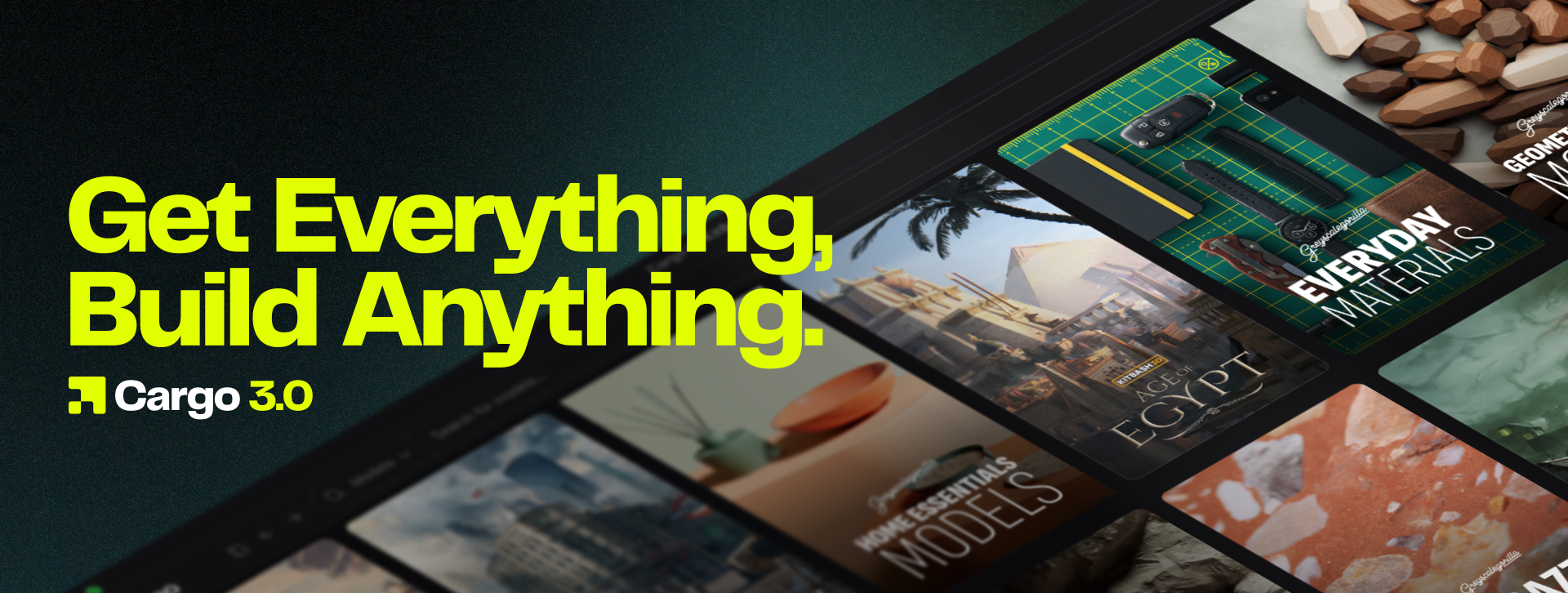
But with our new partners at Kitbash3D, we've been building something very exciting alongside it. Cargo 3.0 is a brand new app that brings both amazing libraries together with a smarter way to find and use assets.
And don’t worry, the things that made Studio feel like a Greyscalegorilla product are coming with us. Together with KitBash3D, we're building on that foundation and pushing it further than either team could alone.
Cargo 3.0 is a new foundation. We prioritized the things that matter most on day one: the full library, smarter discovery, a faster interface, and USD across every asset. The same thinking behind Studio's time-saving features is driving what we build in Cargo, and we're pushing it further.
What You Get in Cargo
Everything you already have, plus more.
Your full material library. 3,500+ scan-based photorealistic materials. Every metal, glass, concrete, fabric, wood, ceramic, and plastic you've been using.
Your HDRIs. 650+ across Pro Studios, Creative Spaces, and outdoor environments.
Your textures. Surface imperfections, area light maps, bokeh maps, and light gobos.
Your models. Everyday objects, decor, product displays, neon letters. And every model in Cargo is now fully textured, something we couldn't do in Studio.
All of it, organized inside Cargo and connected to your DCC. No more tracking zip files or moving folders around. Assets download and update inside the app. And if you work outside Cinema 4D, your Greyscalegorilla assets now work in Blender, Unreal Engine, Houdini, Maya, and 3ds Max. Your Greyscalegorilla account works too. Sign in with the same credentials you've always used.
If you have existing projects linked to Studio assets, leave them as they are. Studio still works. Use Cargo for new projects going forward. There's no need to relink or migrate anything.
Discovery You Didn't Have Before
Studio was good at browsing. Cargo 3.0 is built for finding.
Smart Search interprets what you mean. Type "brushed aluminum" or "warm studio lighting" and get relevant results without guessing the right keyword.
Image Search lets you drop in a reference image and find materials or HDRIs that match visually. The mood board becomes functional.

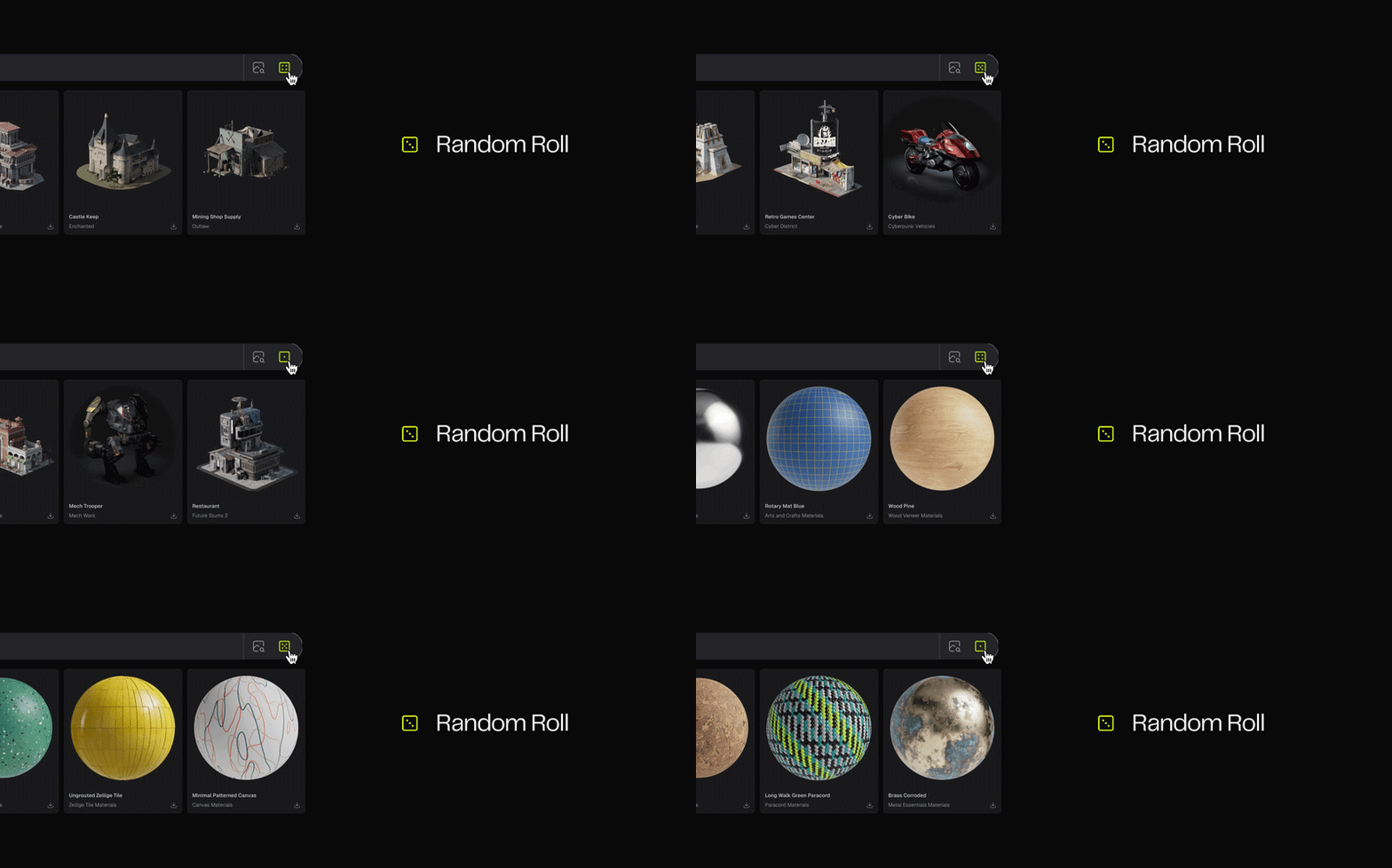
Random Roll (a favorite feature in Studio) introduces surprise when everything feels too safe. One click, new direction.
Show Similar turns one find into a discovery session. Find the right brushed metal, hit Show Similar, and explore tighter grain, rougher wear, darker anodized versions. Refine the vibe without breaking concentration.

A Rebuilt Interface
The layout is fresh and new. Feels modern. Navigation docks or collapses. Filters persist or disappear. Asset details expand without hijacking your screen.
You can run it dense and information-rich or stripped down to just the grid. The interface adapts to how you work instead of telling you how to work.
It's fast too. The asset grid loads quick. Search responds immediately. Everything feels responsive.

What's New for You Inside Cargo
This is the part that might surprise you.
With the new Everything Bundle Cargo 3.0 gives you access to the full KitBash3D library. And it's not just environment models. There are things in there that Greyscalegorilla artists have been sourcing from other places for years.
Foliage. Trees, plants, ground cover. Assets you've been pulling from other libraries or building from scratch for arch viz and product scenes.
Damaged and weathered materials. Rust, corrosion, wear patterns, post-apocalyptic surfaces. An entirely new aesthetic vocabulary organized by genre that complements the photorealistic surfaces you already have.
20,000+ production-ready models. Buildings, props, vehicles, modular structures. Full scenes assembled in hours.
Hundreds of genre materials. Sci-fi, fantasy, post-apocalyptic, industrial. Materials organized by mood and environment type, not just surface category.
It's all browsable inside the same app. Show Similar works across both libraries. Find a material, see structures that match the vibe. Find a model, see surfaces that complete it.

What This Means for You
Studio isn't going anywhere. But Cargo 3.0 is where new assets will land, where discovery gets smarter, and where both libraries live together. We hope to see you there!
Already subscribed to Greyscalegorilla?
Download Cargo. Your full library is waiting, and the new discovery tools make it worth opening just to explore.
Been thinking about subscribing?
Cargo is free to download. Browse the full library and try 100+ free assets before you commit. When you're ready, subscribing to the Greyscalegorilla Library gets you everything GSG.
Want both libraries?
Why not complete the suite? The Everything Bundle puts Greyscalegorilla and KitBash3D in one subscription for less than buying them separately. The foliage, the weathered materials, the models, and the genre materials you've been sourcing elsewhere are all inside Cargo alongside your Plus library.