
GorillaCam Lite
Believable camera shake in two clicks.
GorillaCam, but Simplified. Add a shake. Scrub it. Loop it.
Gorilla Cam Lite gives your Cinema 4D camera believable handheld shake with two dropdowns and zero setup. Scrub the timeline freely, loop the shake exactly, and keep clicking Lucky until you find the look you want.
How GorillaCam Lite Works
Crate packs up your scene and every asset it needs, ready to move anywhere.
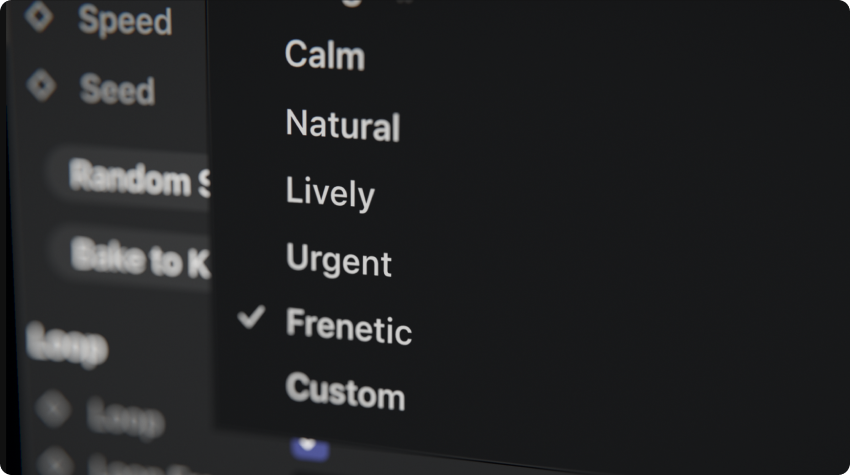
1. Choose Your Camera and Energy
Camera sets what's holding the shot, and Energy sets how hard it's being worked. Those two dropdowns are all most shots need, and everything else is tucked away under Advanced.
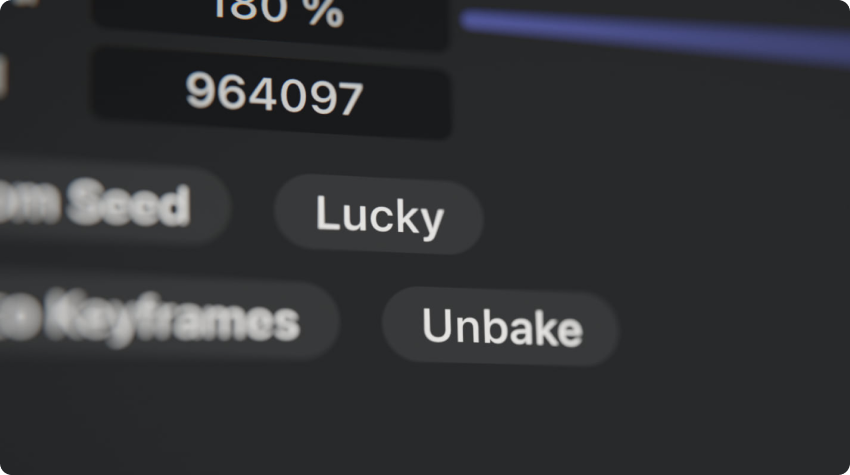
2. Click Lucky to Find Your Look
Hit Play and keep clicking Lucky. Every click swaps in a new shake without stopping playback, so you can try looks in real time until one feels right.
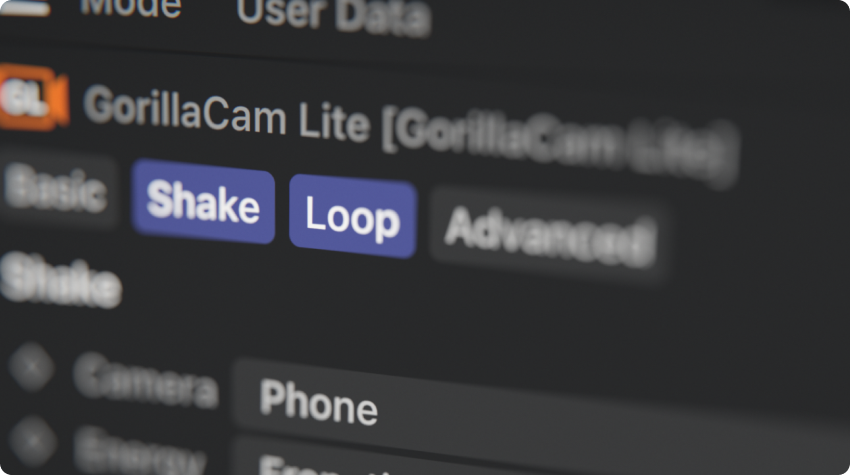
3. Loop or Bake When You're Ready
Package your scene into a portable folder or ZIP using Cinema 4D's native engine, ensuring Redshift node materials and relative paths remain intact. Every export includes a detailed markdown manifest and completion summary.
Trusted by leading brands and professionals


FAQ
No. All plugins (and 3D assets like materials, HDRI, and 3D models) require an active subscription to download and use.
Yes. Greyscalegorilla plugins are compatible with Cinema 4D versions 2023 through 2026.
Not yet - but stay tuned.
All subscribers can download the plugin through Cargo.
