
Overscanner
Change your resolution, not your composition.
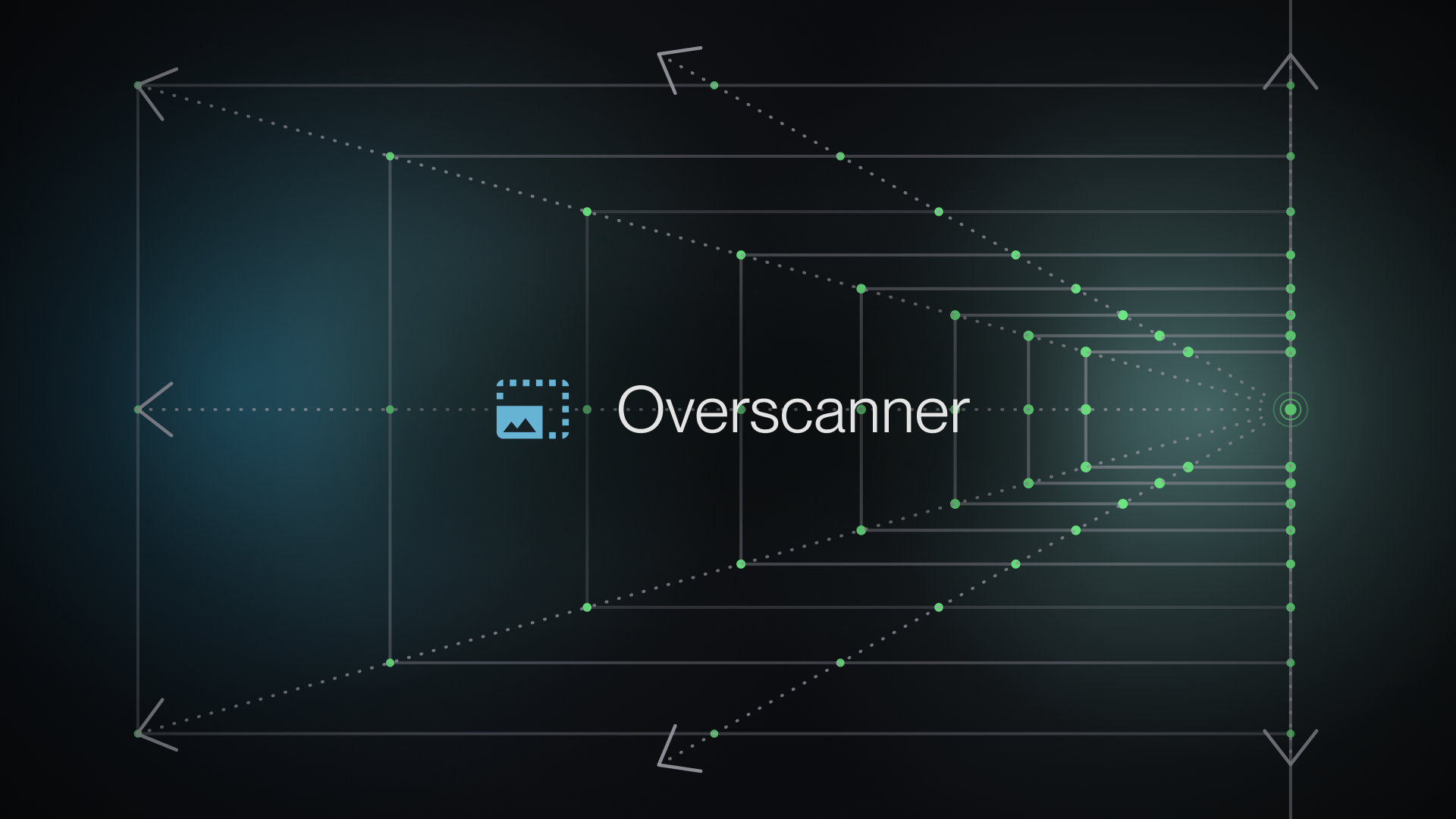
Photoshop's canvas resize, but for your C4D camera.
Ever had a client ask for more space on the sides, but not want you to change how the shot looks? Overscanner resizes the frame and adjusts your camera to match, so everything already in view stays identical and the new space simply shows more of your scene.
How Overscanner Works
Go wider without re-framing. Your composition stays exactly as you left it.
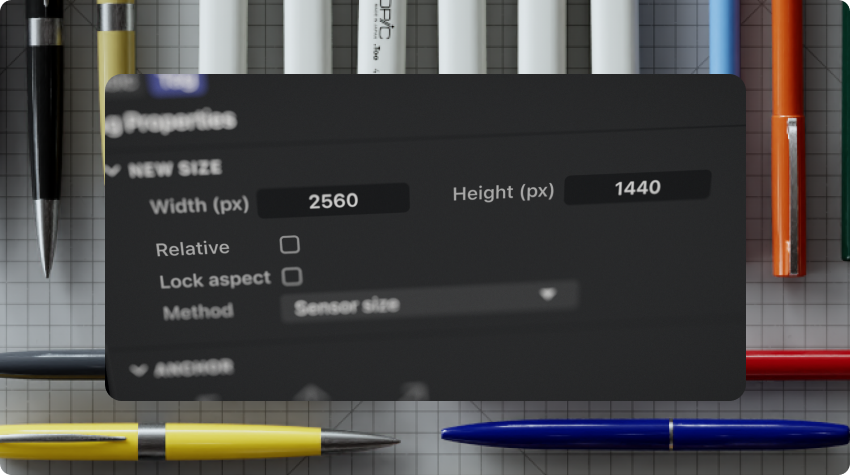
1. Set Your Size
Type an exact resolution or add and remove pixels, with the aspect ratio locked if you want it.
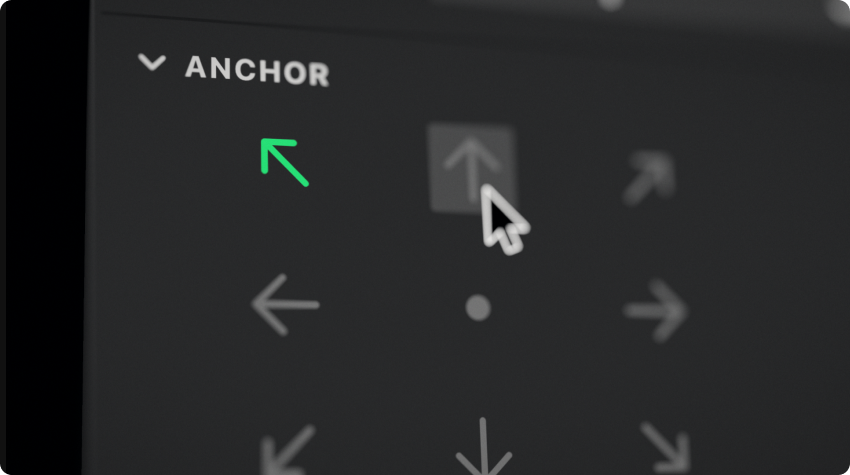
2. Pick Your Anchor
Choose one of nine anchor points to decide which edges of your frame grow or shrink.
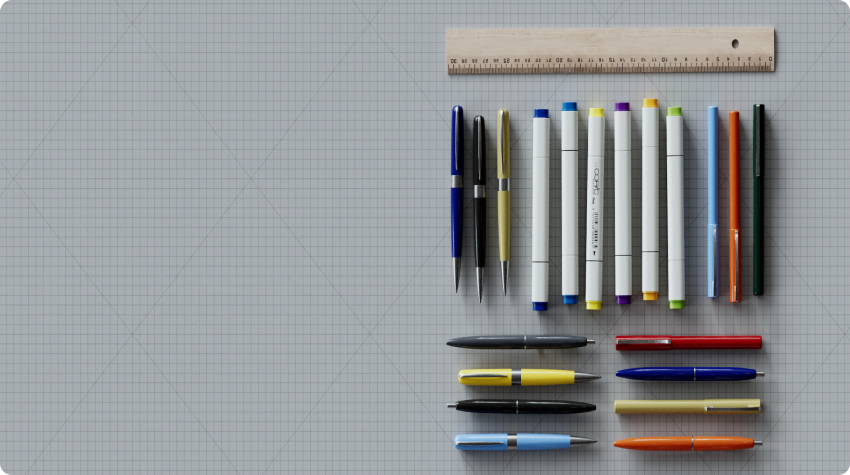
3. Apply and Keep Your Shot
Overscanner scales your camera and resolution together, so everything already in frame stays pixel-identical and the new space just reveals more scene.
Trusted by leading brands and professionals


FAQ
No. All plugins (and 3D assets like materials, HDRI, and 3D models) require an active subscription to download and use.
Yes. Greyscalegorilla plugins are compatible with Cinema 4D versions 2023 through 2026.
Not yet - but stay tuned.
All subscribers can download the plugin through Cargo.
