
Snoot
Give area lights a controllable hood for clean cuts of light and tighter throws in Cinema 4D.
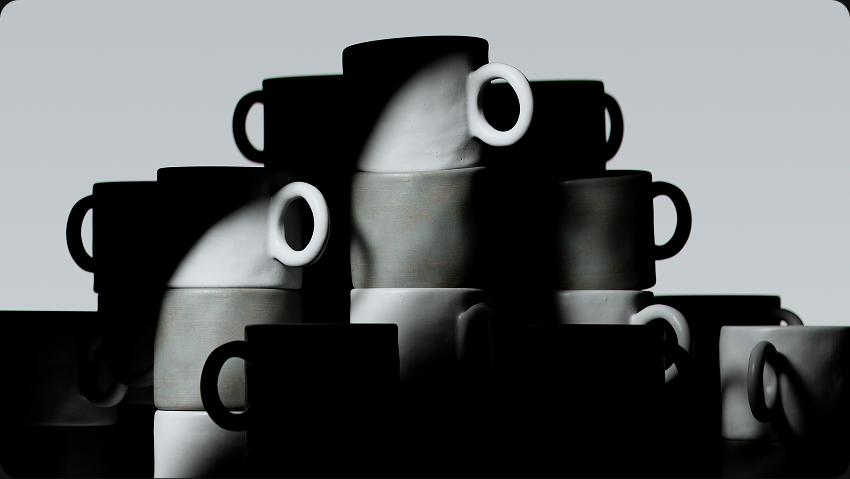
Cut Your Light Exactly Where You Want It
Snoot mounts directly onto your Redshift, Arnold, or Octane lights to give you finite control over length, radius, and shape. Resize your area light and Snoot rebuilds to match automatically.
No Custom Geometry Needed
Add it to any area light and shape the throw by hand.
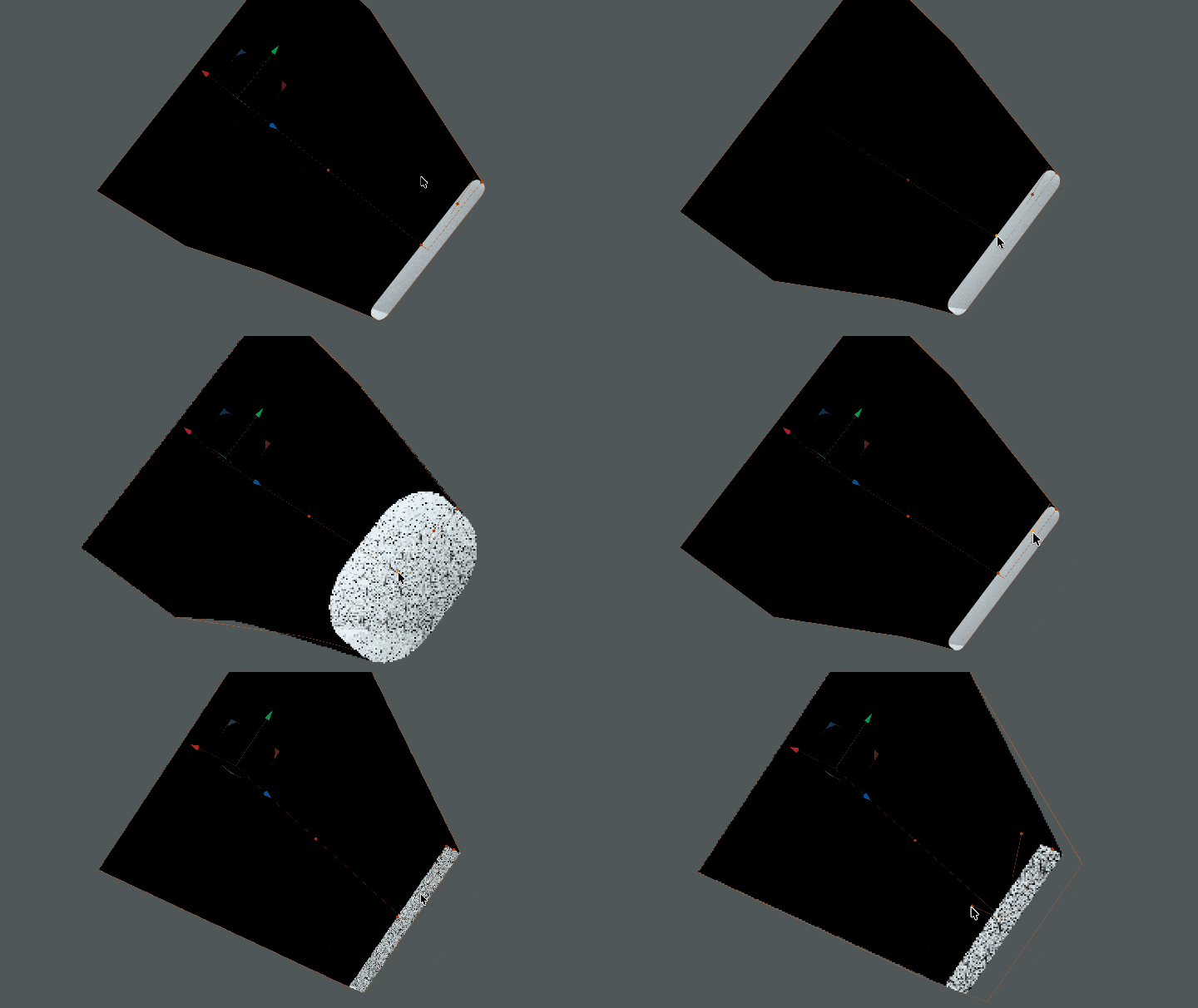
Shape It in the Viewport
Length, radius and roundness are all on sliders and on four orange handles you can drag right in the viewport. Take a circle to a slot, or square corners to fully filleted, without hunting through the Attribute Manager.
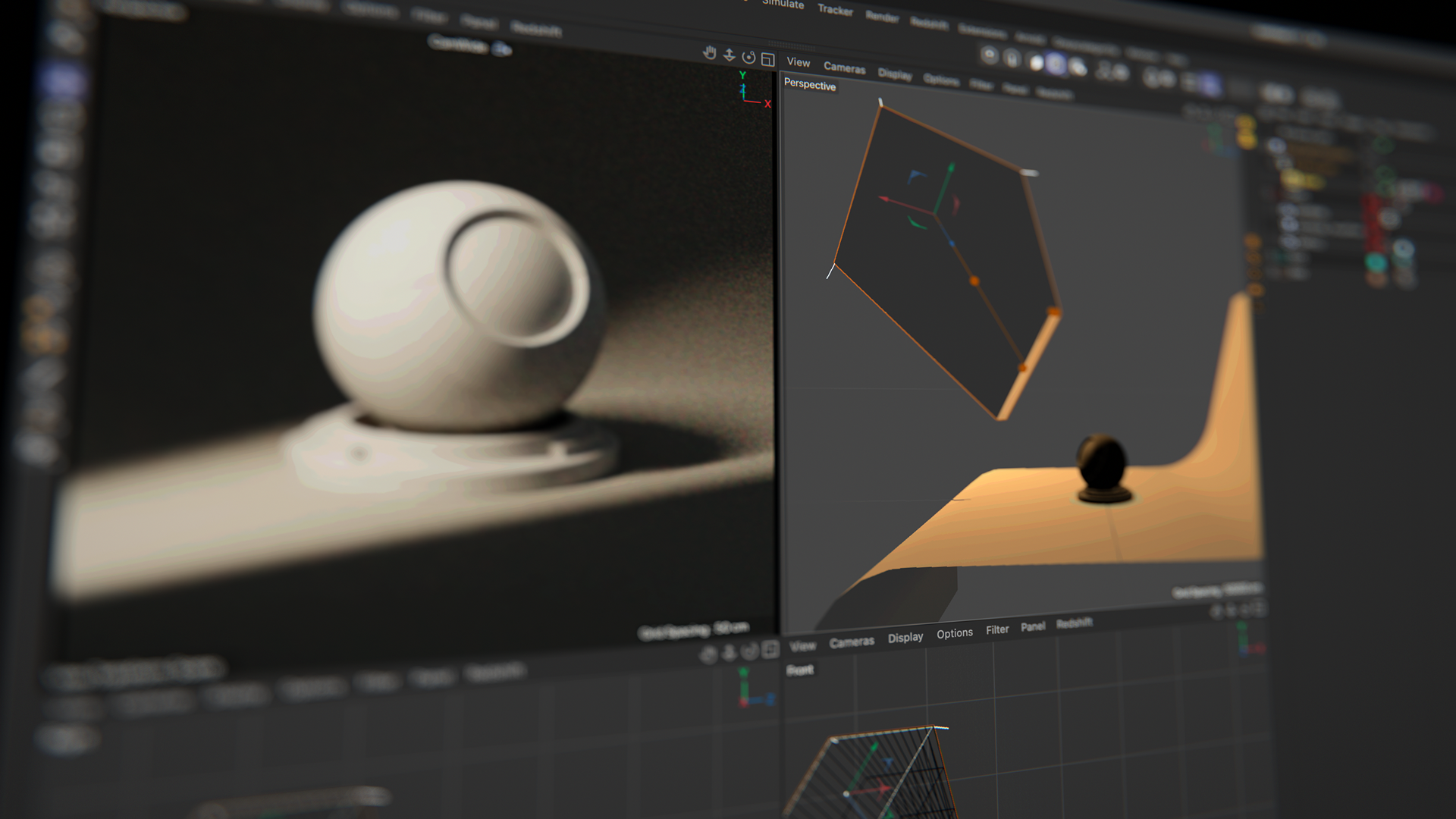
Configured for Your Renderer
Redshift, Arnold and Octane each get their own treatment on creation: the right visibility tag, a double-sided material that's white inside and black outside, and quad or disk profiles to match your light. No setup, no checkbox hunting.
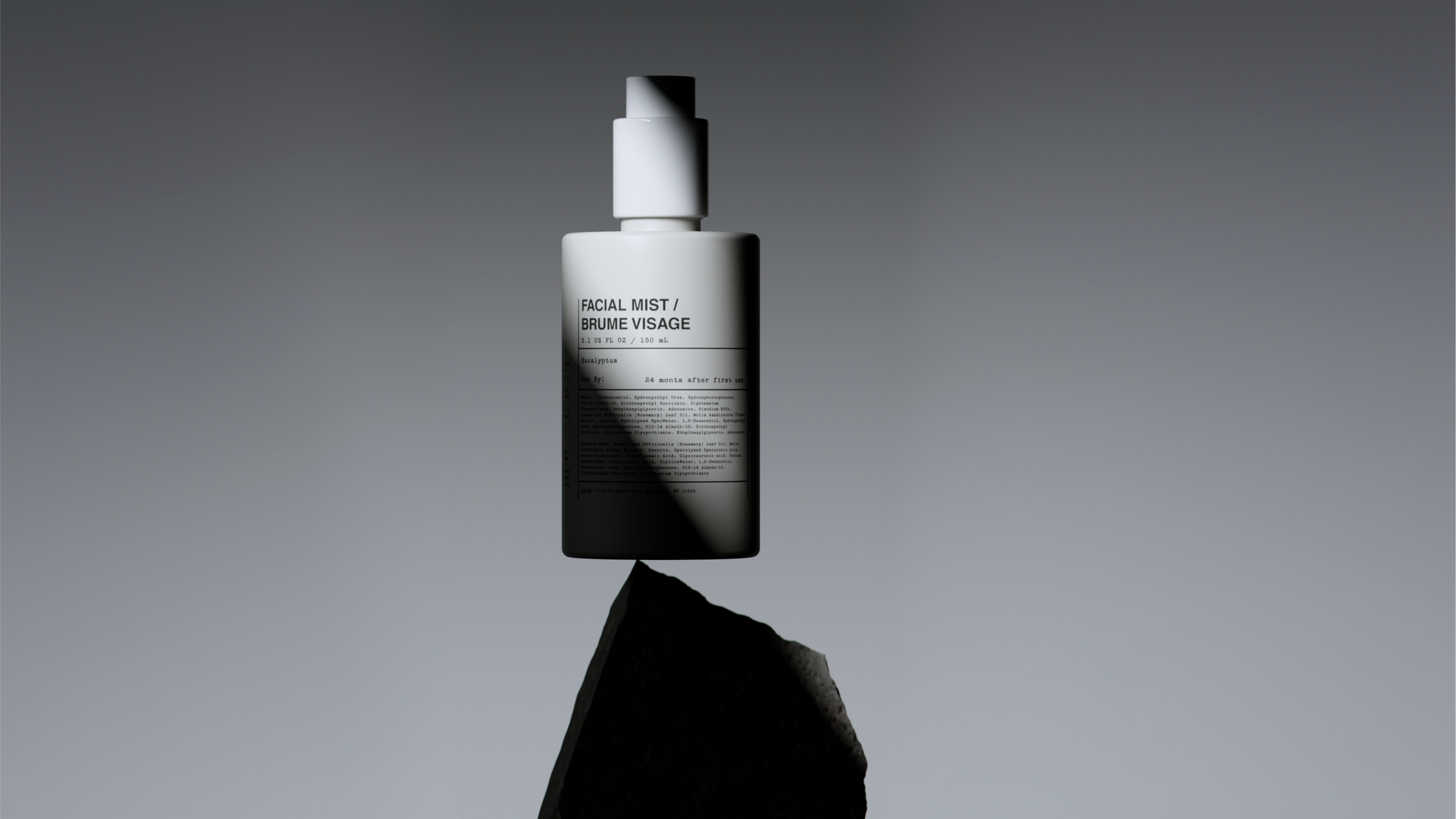
Locked to Your Light
Snoot mounts on the light as a child and reads its dimensions directly, so resizing the light rebuilds the hood automatically. It starts 1% larger than the source, so no light leaks around the seam.
Trusted by leading brands and professionals


Whenever I need that extra 10% for a render, I use Snoot. It lets me quickly hone in and not worry about positioning an army of flags to get the light exactly where I need it.
Nick Hopkins
Run Kick Shout
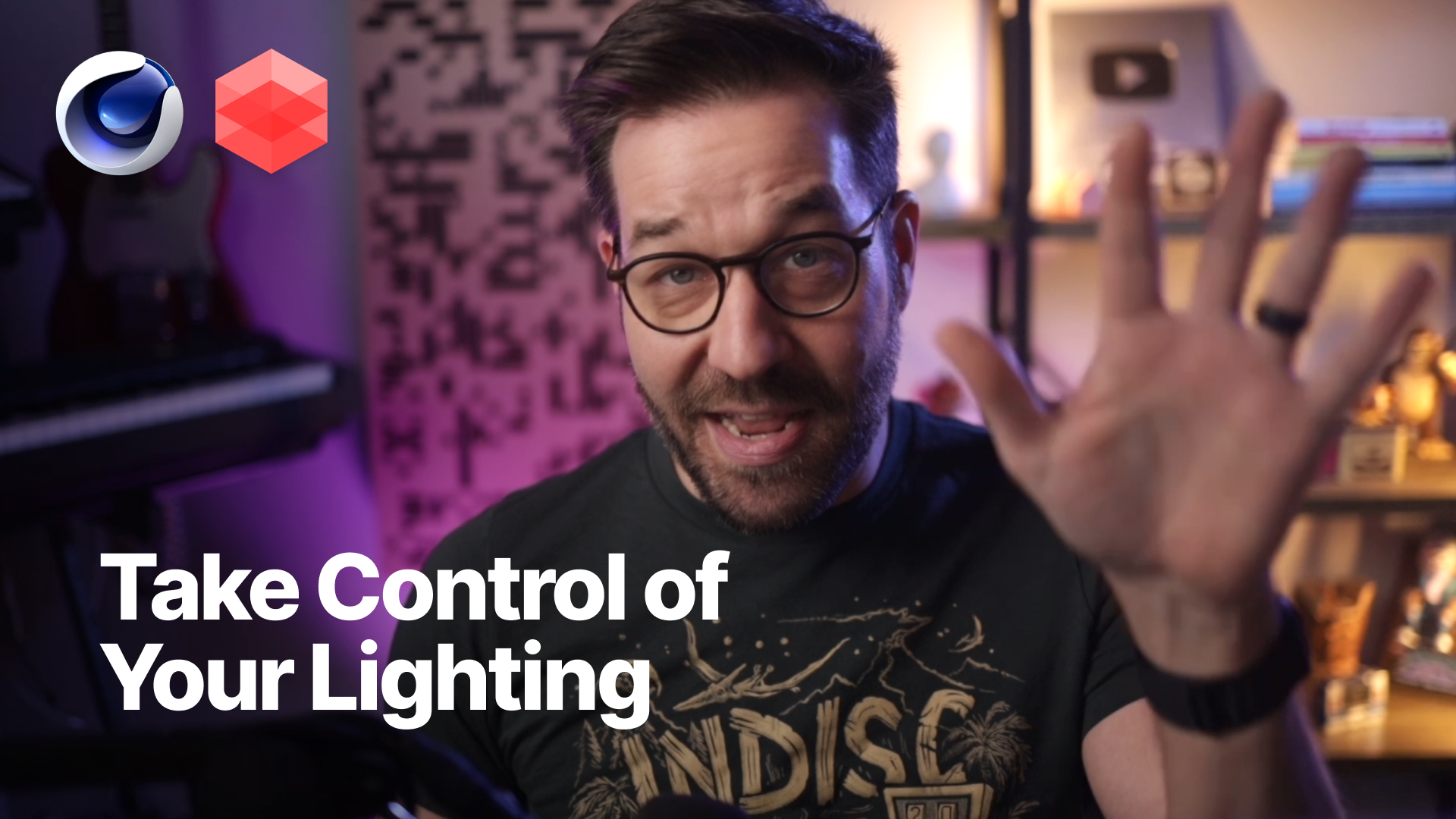
Stop Over Lighting
Watch Nick Campbell as he breaks down how to control light using Snoot and Cargo in Cinema 4D.
FAQ
No. All plugins (and 3D assets like materials, HDRI, and 3D models) require an active subscription to download and use.
Yes. Greyscalegorilla plugins are compatible with Cinema 4D versions 2023 through 2026.
Not yet - but stay tuned.
All subscribers can download the plugin through Cargo.
