
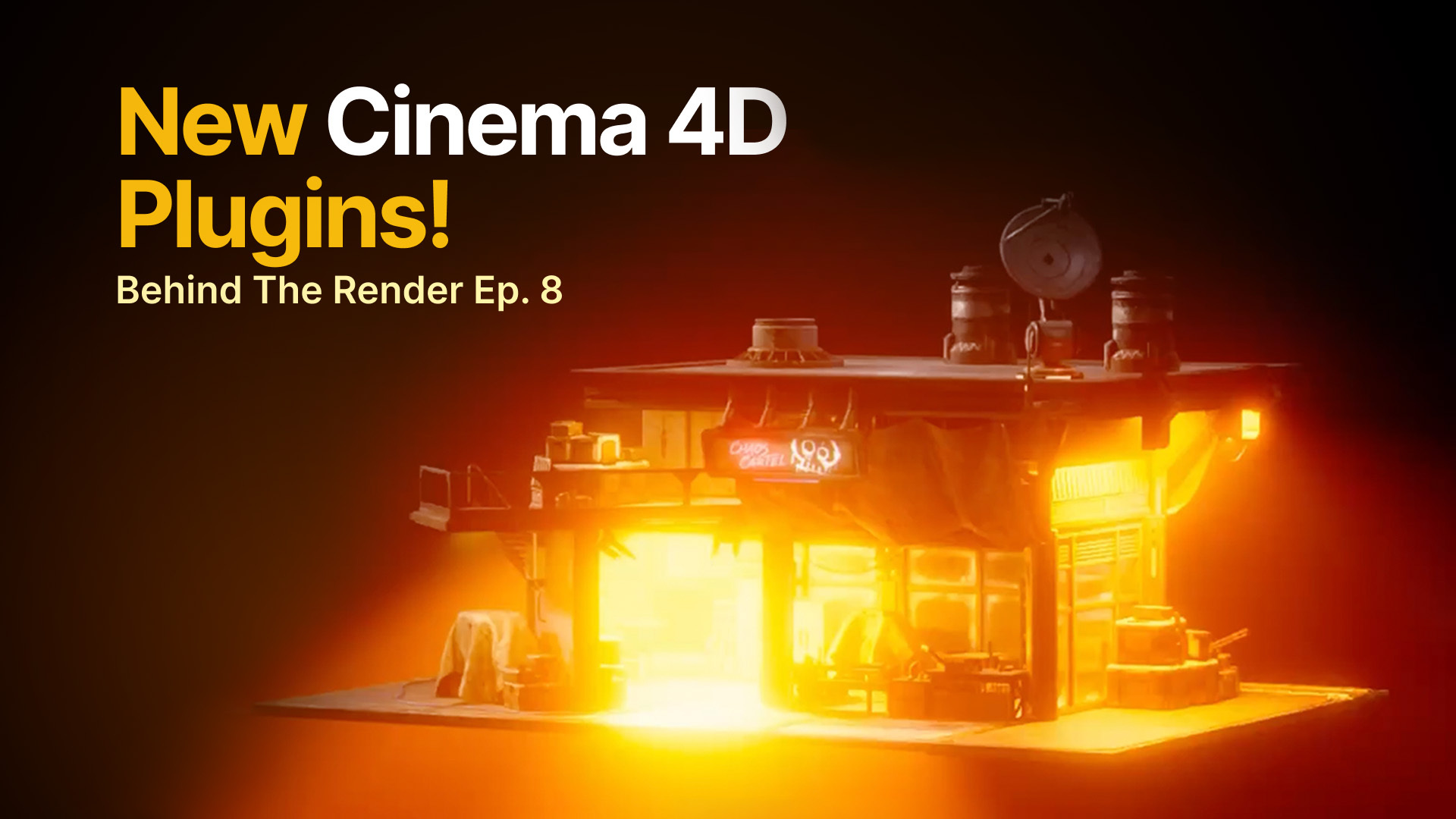
New C4D Plugins Are Here, and You Have Access
New tools are here to make your Cinema 4D workflow easier. Nick and Chad walk through the latest Greyscalegorilla plugins, showing how they can simplify lighting, give you more control over your renders, and help you work more efficiently.
The right tools can make a big difference in your Cinema 4D workflow, whether you're wrangling a scene full of lights or trying to get more precise control over your lighting. In this episode of Behind the Render, Nick and Chad take a closer look at the latest plugins and show how they work in practice.
And here's the good news: Snoot, Redshift Light Manager and Crate are included with any paid Greyscalegorilla or KitBash3D subscription, including the Everything Bundle. You don’t need to upgrade to a different plan. Just open Cargo and find them under Tools & Plugins.
First up is Redshift Light Manager, a handy way to manage all the lights in your scene without digging through a complicated object hierarchy. Chad shows how to adjust exposure, intensity, and color temperature, isolate individual lights, rotate HDRIs, and organize lights to fit your workflow.
Next, Nick and Chad revisit Snoot, which lets you control exactly where your area light falls. Use it to create dramatic cuts of light, highlight a specific part of a product, or keep light from spilling across your entire scene, all while maintaining the soft shadows of an area light.
Along the way, Nick and Chad explore updates to Cargo, including faster ways to search for and send assets directly into Cinema 4D. There’s plenty to explore, so if you haven’t opened Cargo lately, now’s a great time to take another look.
Ready to try the new tools? Open Cargo, head to Tools & Plugins, and start exploring. They’re included with any paid Greyscalegorilla or KitBash3D subscription, or the Everything Bundle.


