

What's New
Three new Cinema 4D plugins, fully textured models and new material collections, including a holiday set that just landed. It's all part of your Greyscalegorilla Library membership, and you get every bit of it through Cargo.
Just Landed: Holiday Season, Ready to Render


Three New Ways to Move Faster in Cinema 4D
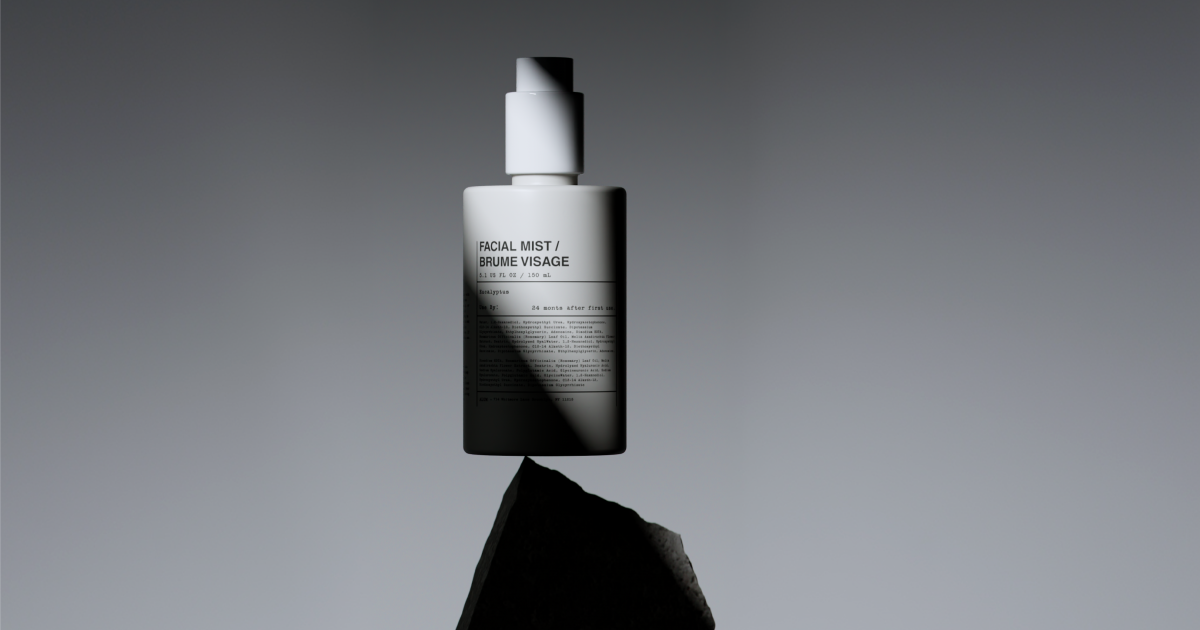
Snoot: Shape Your Light Right in the Viewport
Snoot puts a hood on your area lights, with handles for length, shape, radius and roundness. Sculpt the beam where you can see it instead of nudging numbers and test-rendering.
Works with Redshift, Arnold and Octane.
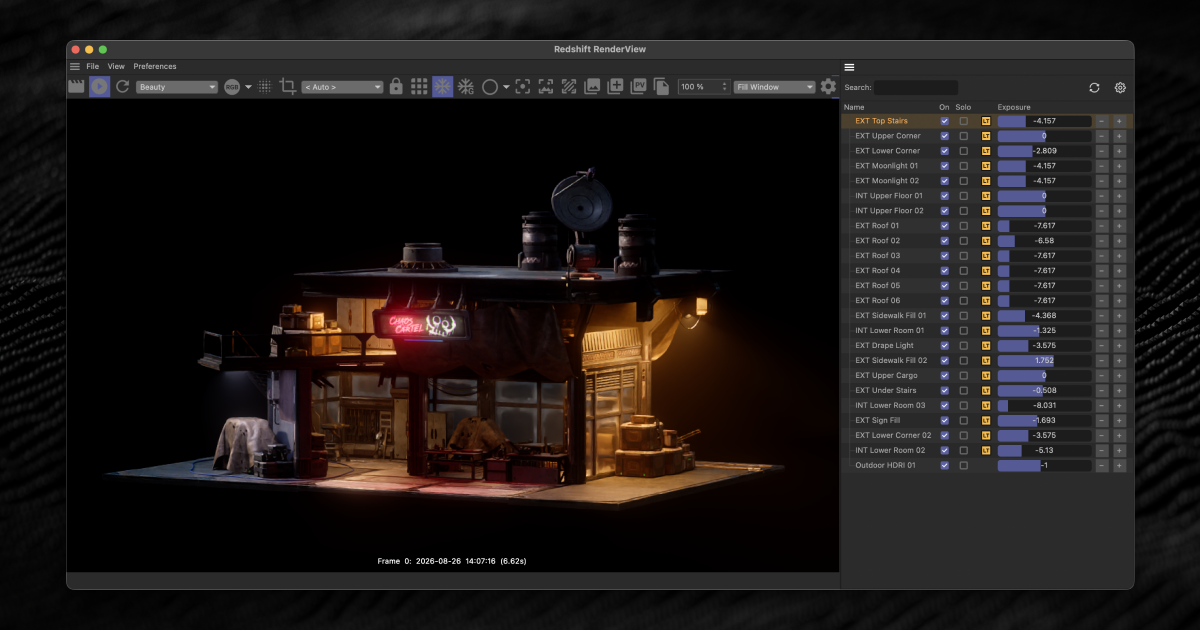
Redshift Light Manager: Every Light on One Board
Each light in your scene gets its own row for color, intensity, exposure and layer. Tune one light or the whole rig without digging through the Object Manager.
Built for Redshift.
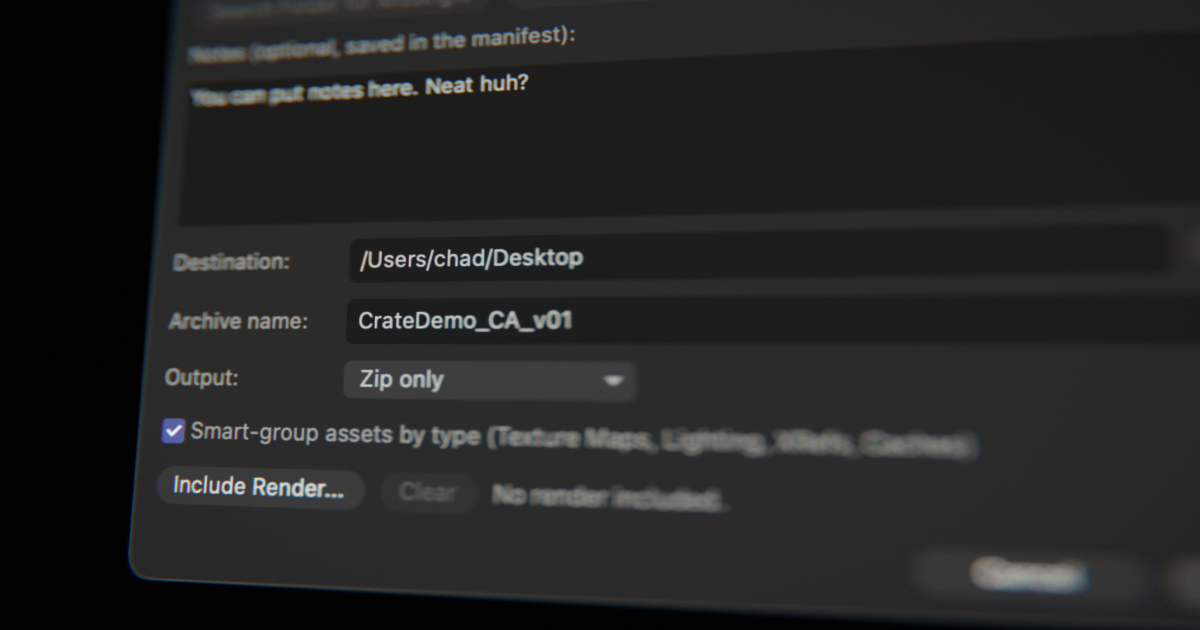
Crate: Pack a Project So It Opens Anywhere
Crate collects a Cinema 4D scene and every file it depends on into a clean folder or zip. It finds missing assets and helps you relink them, so the project opens on the next machine with every texture in place.
Fresh Models to Drop In

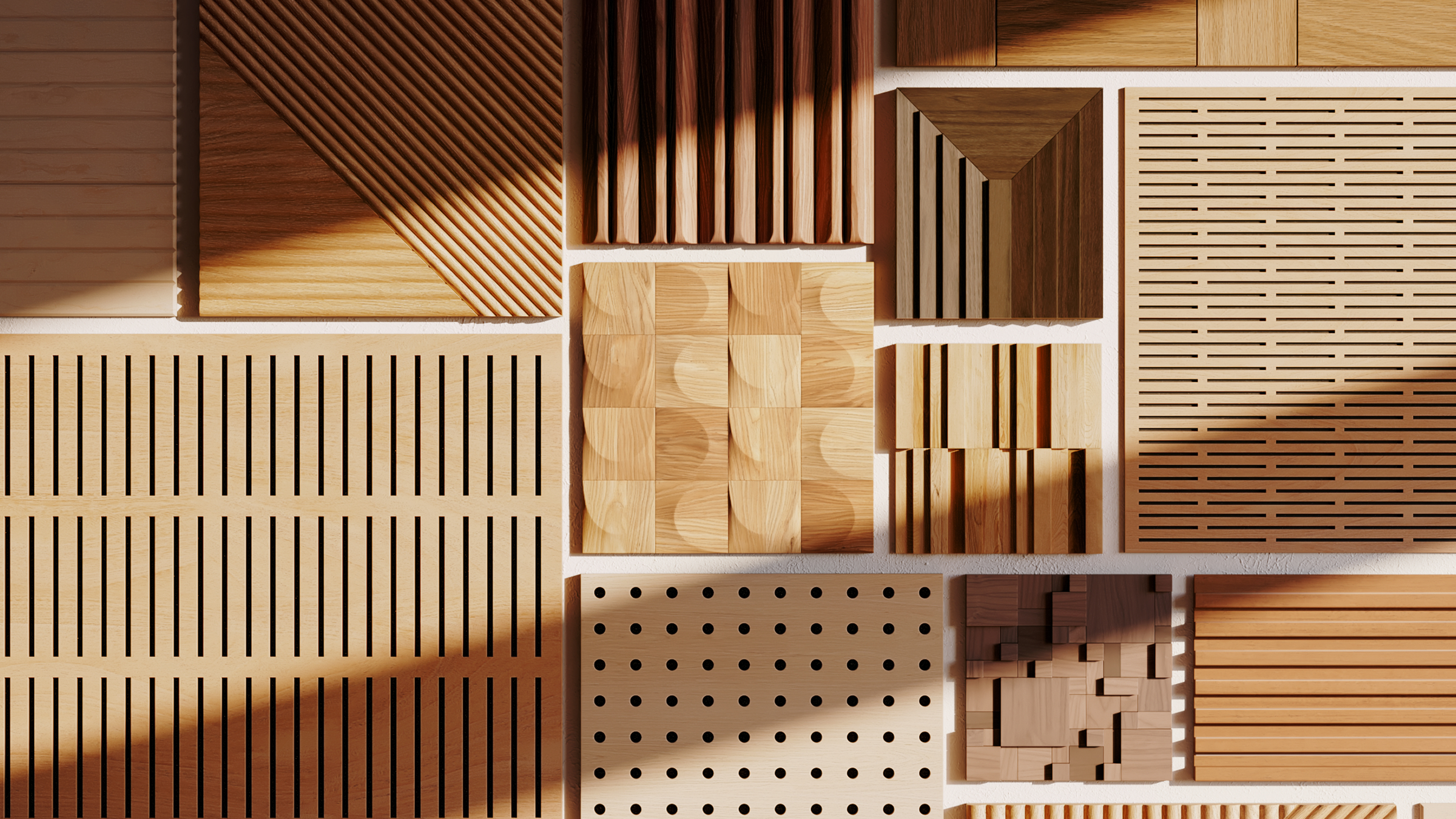
New Material Collections

Your Membership Keeps Growing
Every new release shows up in Cargo the day it ships, and it's all part of your Greyscalegorilla Library membership.
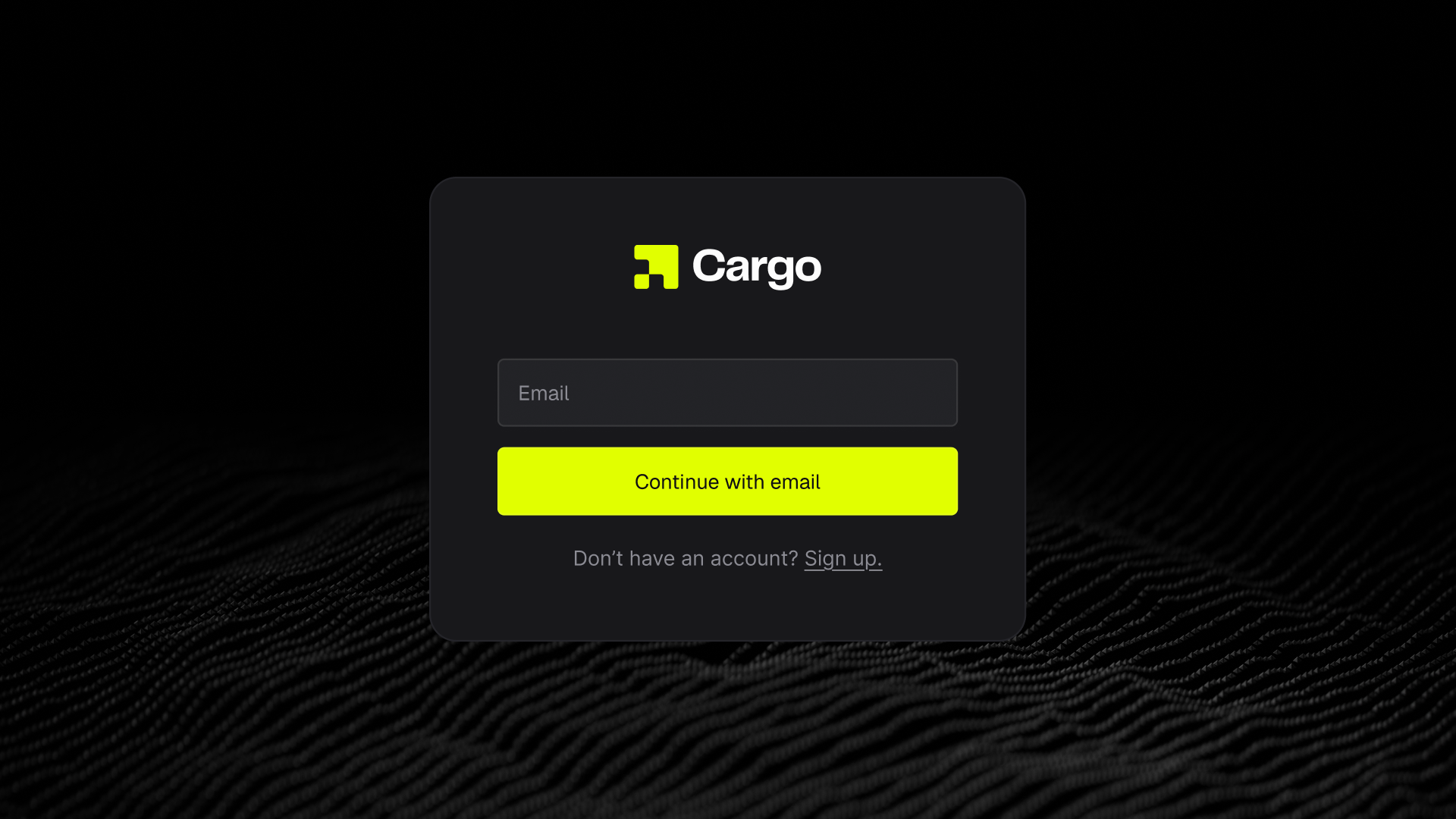
It's Already Yours. Here's How to Get It in Cargo.
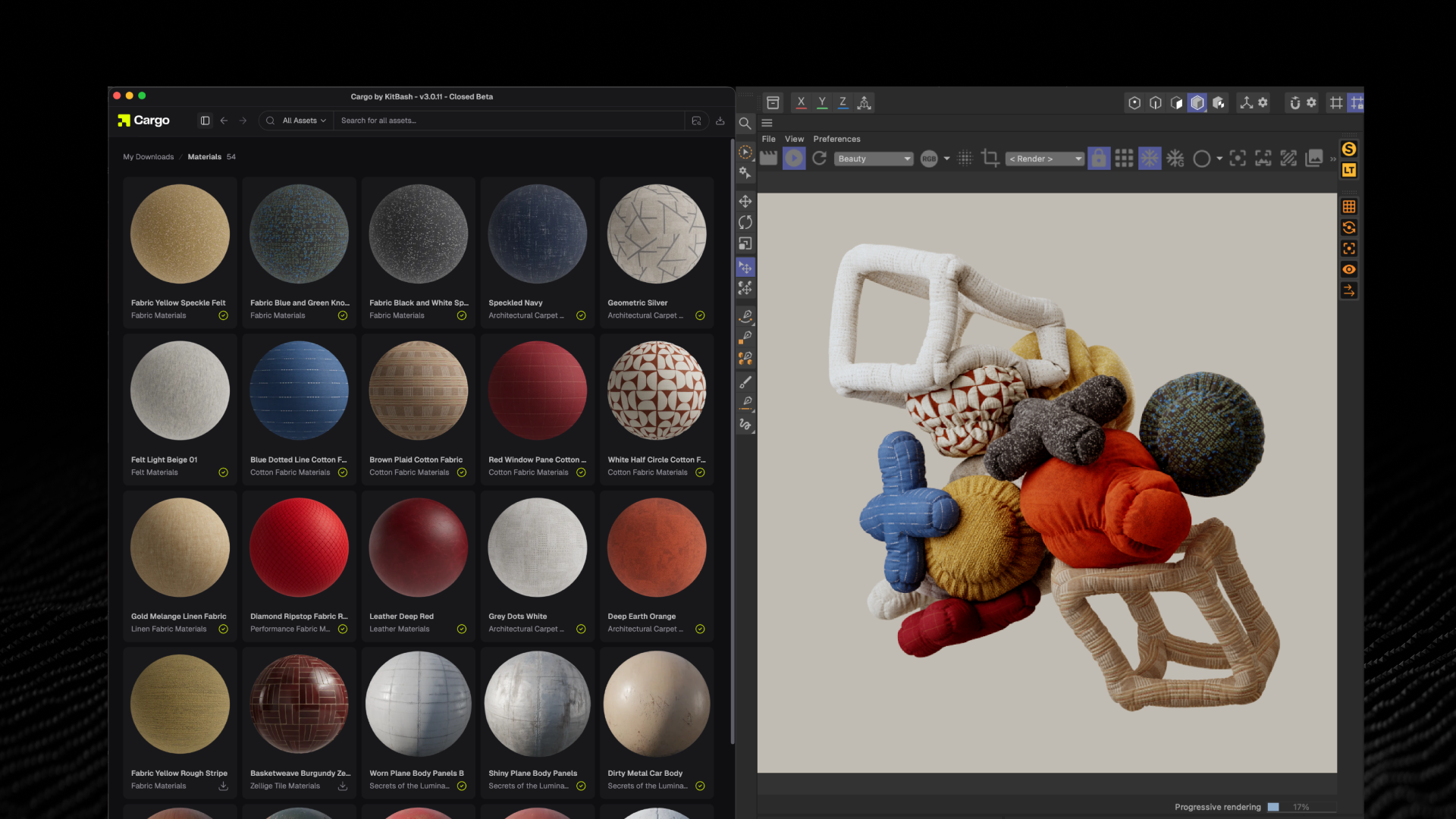
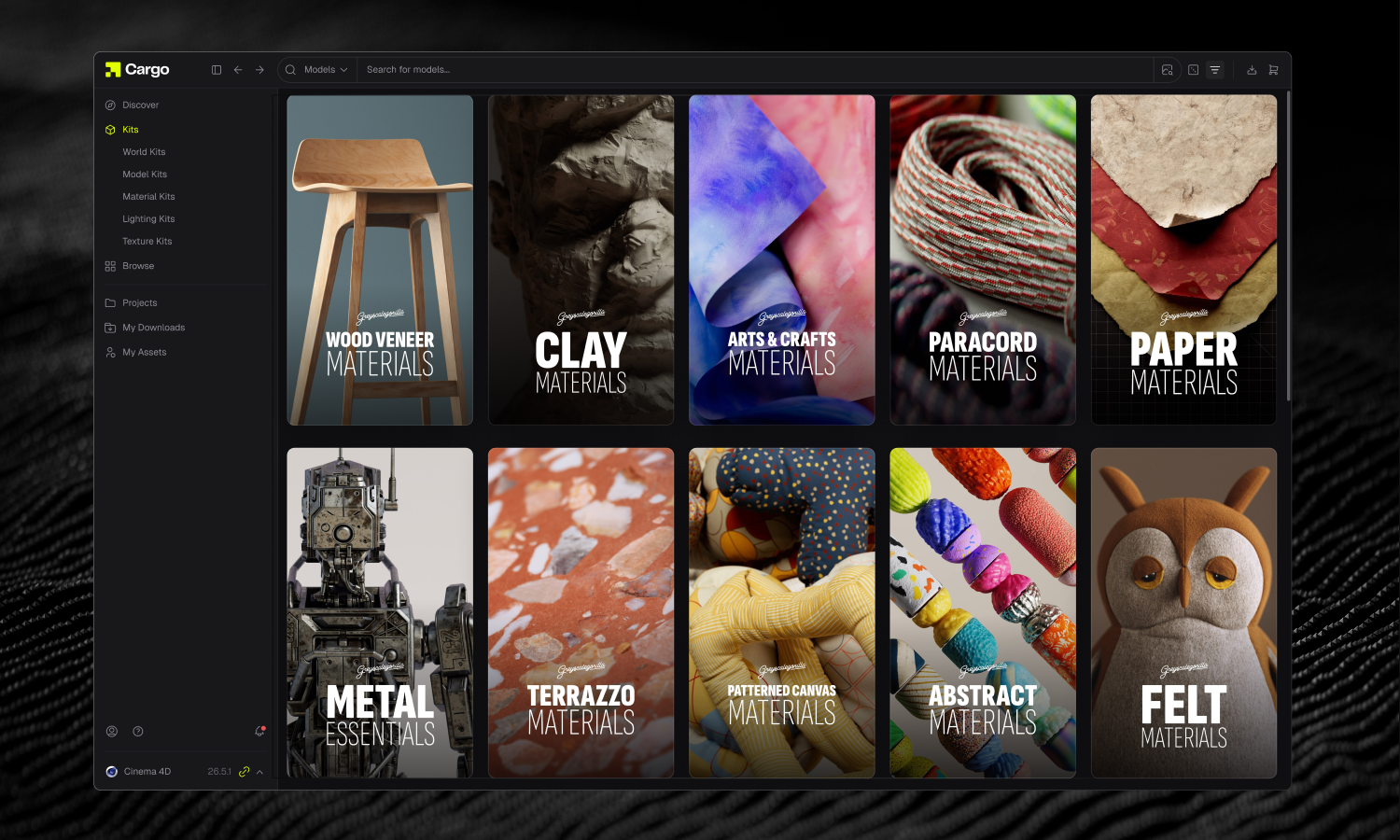
Models and Materials: Download, Then Send
Start with Holiday Workshop and Holiday Materials. Search for them in Cargo, or filter the library to show only Greyscalegorilla assets.
1. Open the asset and set your target software and texture size.
2. Click Download Asset.
3. When it finishes, click Send Asset. It lands in your open scene.
Works with Cinema 4D, Blender, Houdini, Maya, Unreal Engine and 3ds Max.
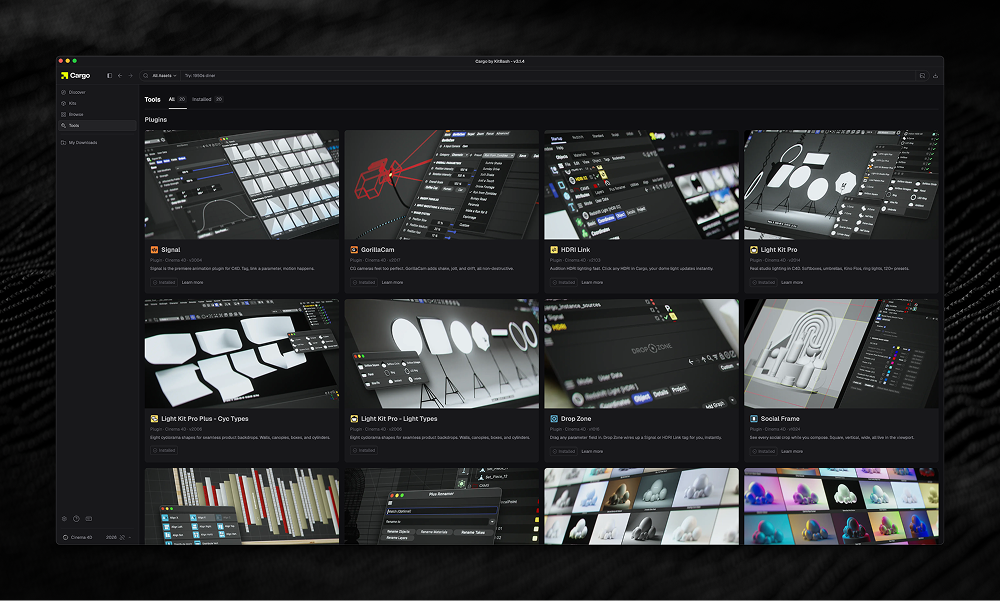
Plugins: Install From the Tool Page
Snoot, Redshift Light Manager and Crate install into Cinema 4D through Cargo, separate from the asset library.
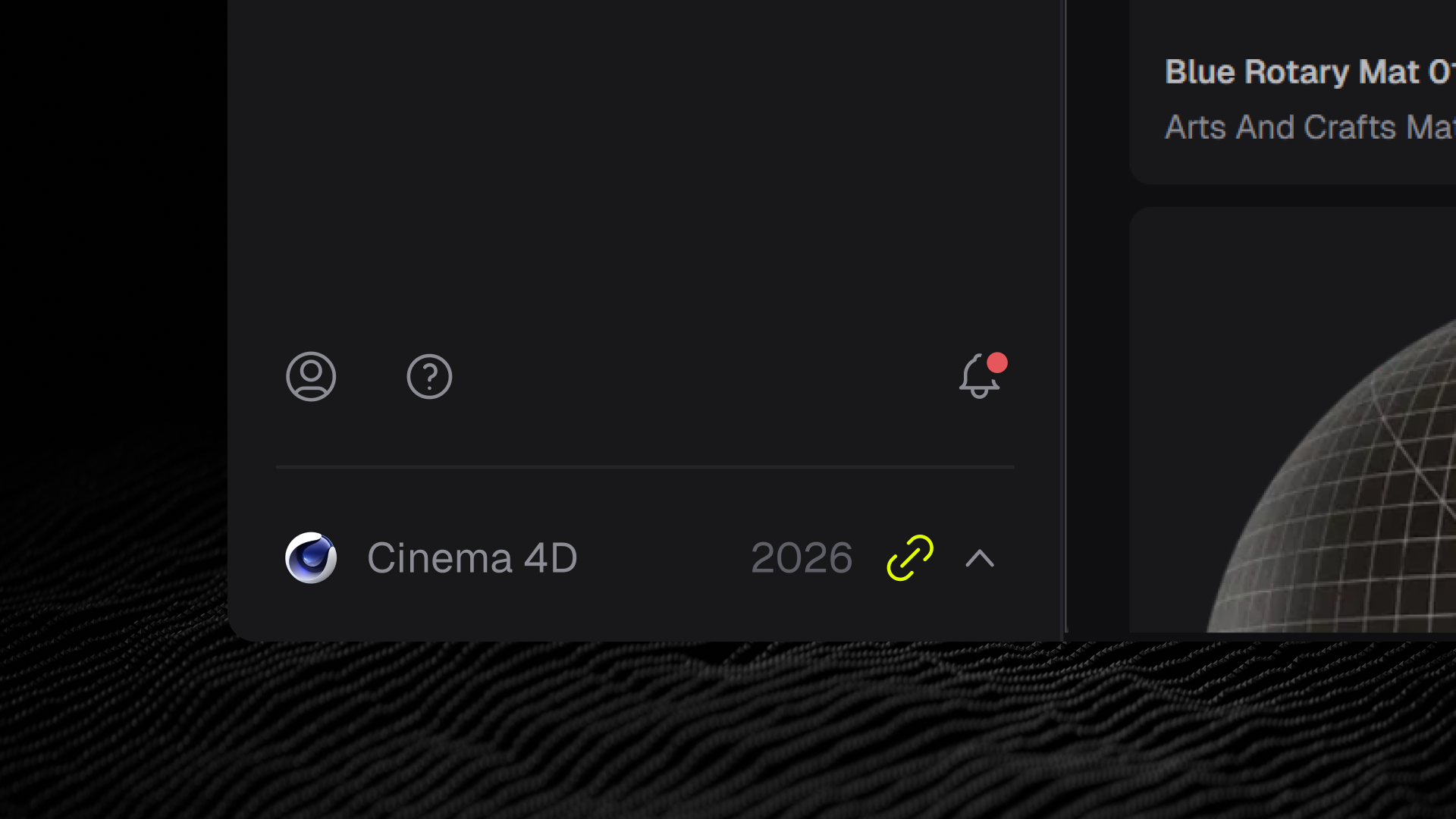
1. Connect Cinema 4D in Cargo, then open Cinema 4D once to activate your license.
2. Back in Cargo, go to the Tool page.
3. Click Install on each plugin you want.
4. Restart Cinema 4D.
Runs in Cinema 4D 2023 through 2026.
Quick Answers
No. There's no upgrade and no add-on. Cargo is free to download, and your membership unlocks everything new inside it.
If your current setup works, leave it. Plugins you installed through the HUB keep working. New plugins install from Cargo's Tool page.
The new plugins run in Cinema 4D 2023 through 2026. Snoot needs Redshift, Arnold or Octane as your active renderer, and Redshift Light Manager needs Redshift.
Models and materials send from Cargo to Cinema 4D, Blender, Houdini, Maya, Unreal Engine and 3ds Max.
Studio keeps working. Start your next project in Cargo and leave your Studio assets where they are, since the scenes you've already built still use them.
The connector isn't active in your 3D software yet. Check that your software is connected in Cargo and that the Cargo plugin is running inside it, then try again.
Still stuck? Our help center has setup guides for Cargo and every plugin at help.greyscalegorilla.com.

